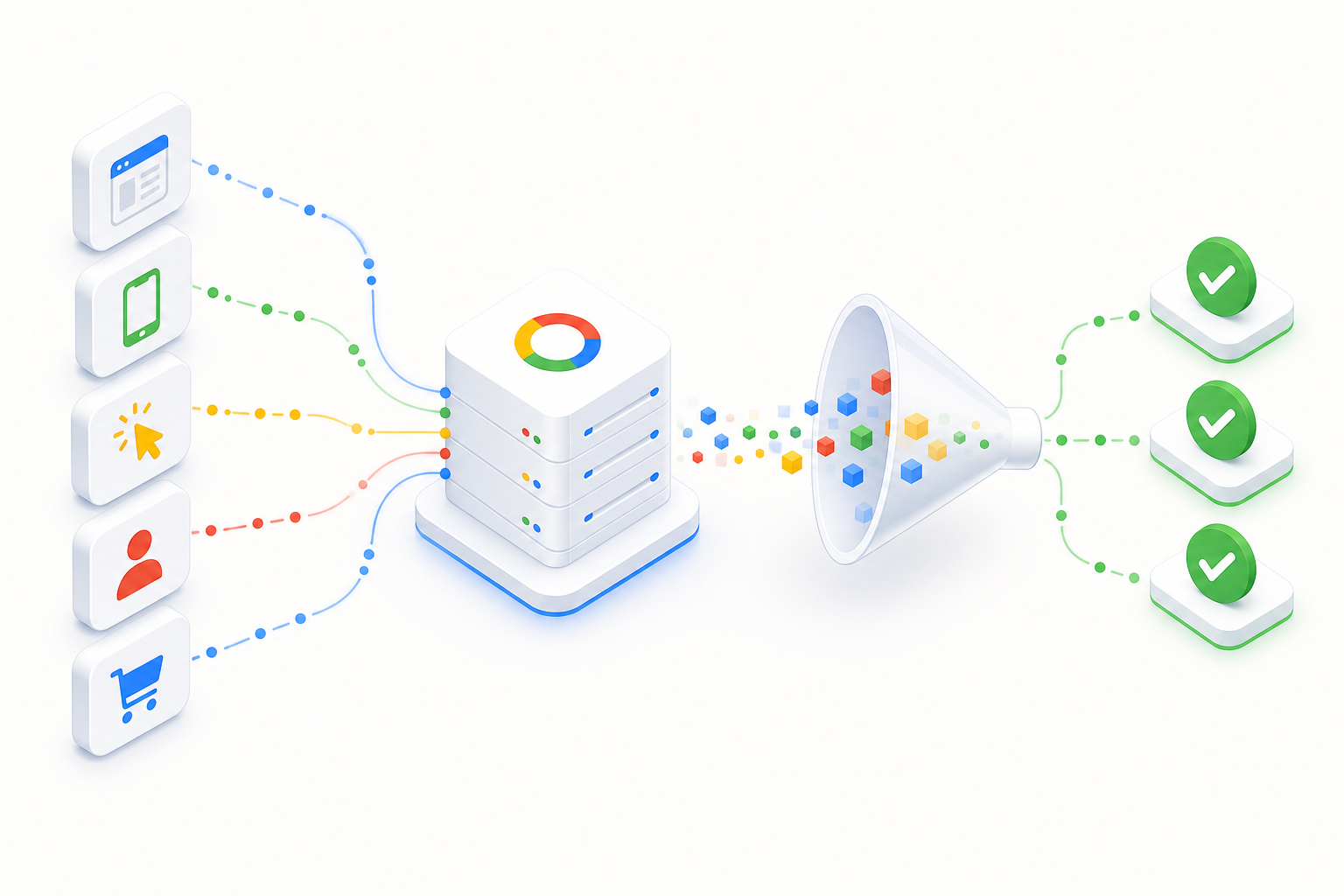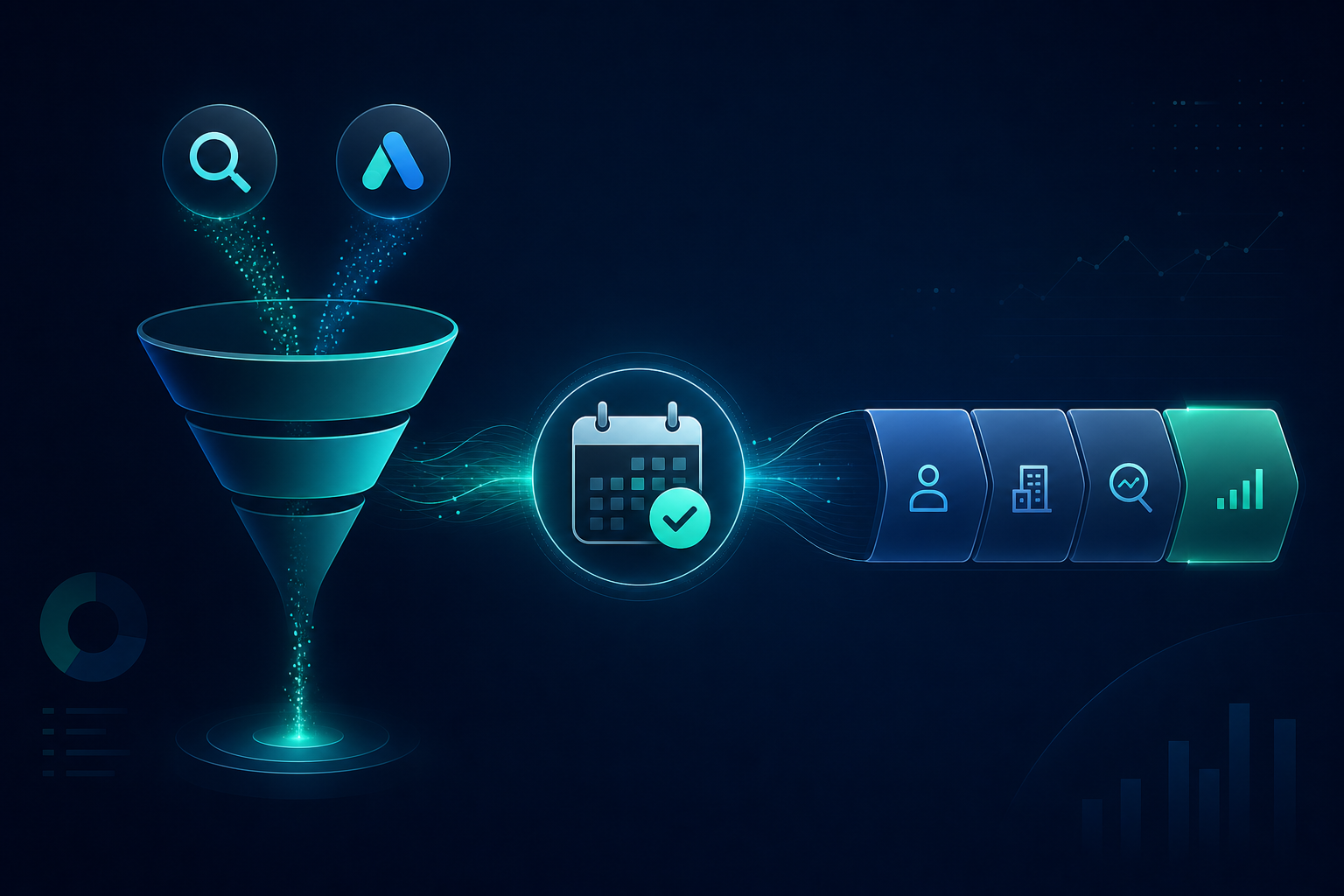
Why is a form conversion alone not enough in B2B?
On a Google Ads account, conversion is usually defined as a form submission, phone call, or demo request. The algorithm learns to produce more of these events — at the lowest possible cost. In B2B sales this is often the wrong goal.
The real business outcome happens later: the lead is qualified, a demo is held, a proposal is sent, and the deal closes — typically within 30–90 days of the form submission. If Google only sees the form, it does not know which clicks led to real deals.
As a result, Smart Bidding optimizes for lead volume, not lead quality or closed deals. The dashboard looks good (lots of cheap leads), but sales complains about poor quality and the CRM pipeline does not convert. This is the most common strategic mistake on B2B Google Ads accounts.
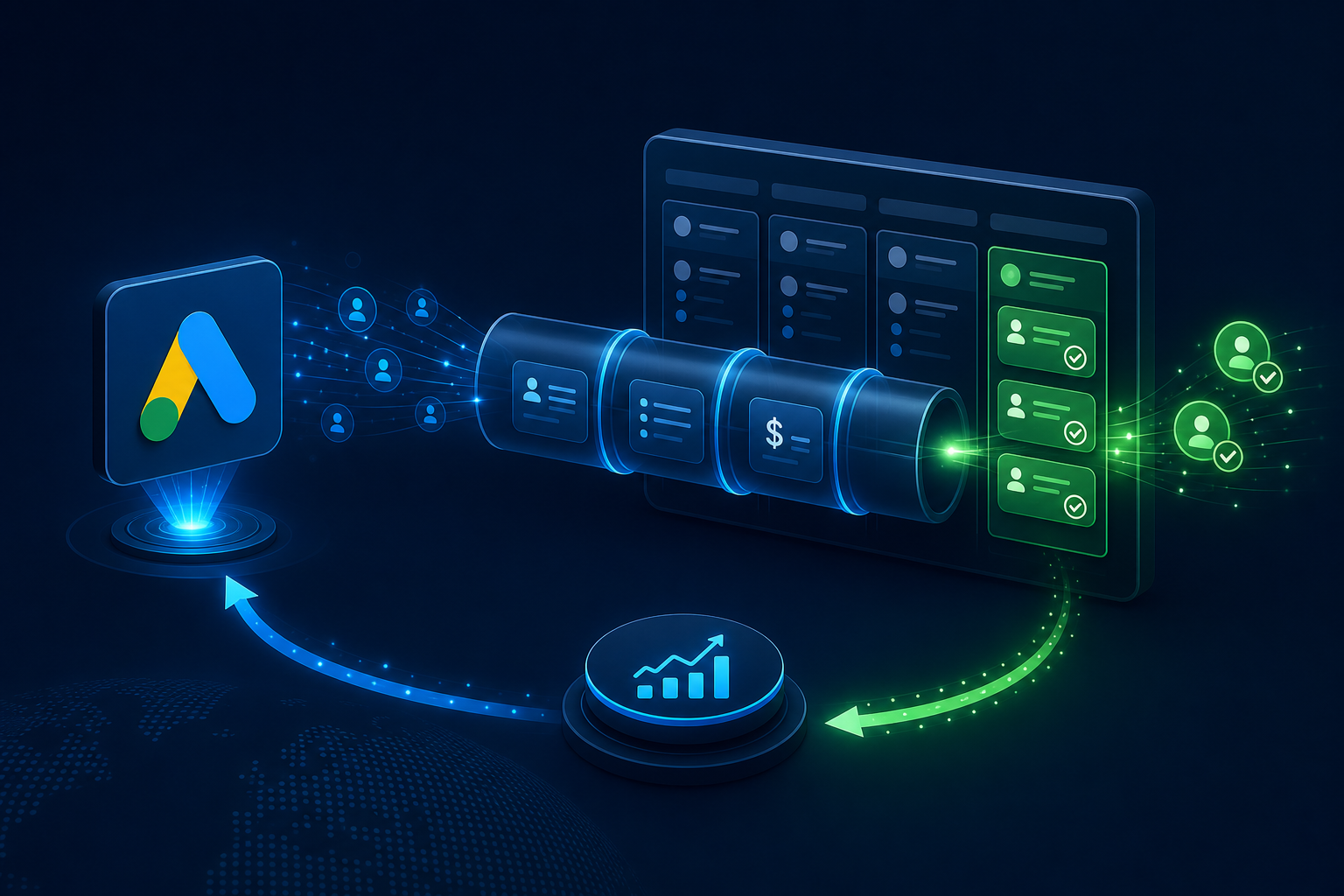
The solution is two-part: store GCLID on every lead in the CRM and import closed deals back into Google Ads as offline conversions. This closes the optimization loop and teaches the algorithm to pursue real deals — not just forms. The same logic as the demo pipeline in B2B SaaS marketing.
Offline Conversion Import (OCI): how does it work?
Offline Conversion Import (OCI) is Google's mechanism for bringing CRM deal data back into the Google Ads account. When a lead closes as a deal, you send Google the information: this GCLID led to a deal, conversion happened on this date, value X euros.
Google links offline conversions to the original click via GCLID. Smart Bidding starts optimizing toward closed deals — not just forms. Attribution improves because the real business outcome is linked to advertising.
OCI supports two methods: manual CSV upload (small volumes, testing) and API integration (automatic, scalable). The API is the practical standard on B2B accounts where deals close regularly.
The conversion window matters: Google accepts offline conversions up to 90 days from the click (Click Conversion) or 63 days from the lead conversion (Enhanced Conversions for Leads). In a B2B sales cycle this requires a fast CRM process — deals must be recorded and sent on time.
GCLID chain: form → CRM → Google Ads
GCLID (Google Click Identifier) is a unique identifier for every Google Ads click. It is stored in the URL parameter (_gclid) and the Google tag cookie. The foundation of offline conversions is that GCLID is stored in the CRM with every lead.
The chain works like this: (1) user clicks a Google ad → GCLID is stored in cookie and URL; (2) user submits a form → GCLID is read from cookie or URL and stored in a hidden field; (3) form data + GCLID flows to CRM (HubSpot, Pipedrive, Salesforce); (4) when the deal closes, CRM sends GCLID + conversion date + value to Google Ads API.
Auto-tagging must be enabled on the Google Ads account — without it GCLID does not pass correctly. Via GTM, make sure GCLID is read into the form field before submission. Test the chain end-to-end before trusting offline data.
Enhanced Conversions for Leads: when GCLID is missing
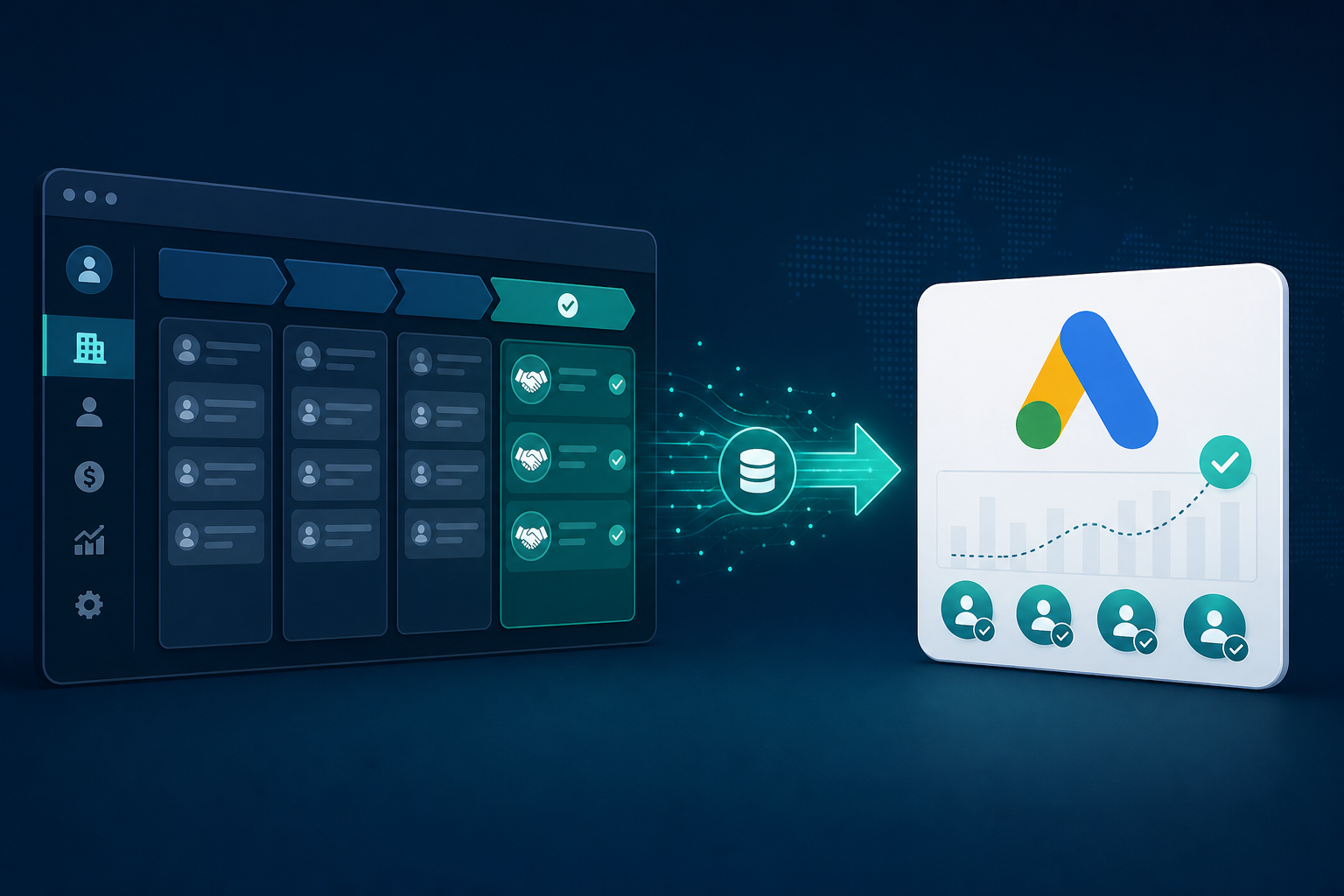
GCLID is not always available: cookies expire, the user switches devices, or the form is filled directly without a click. Enhanced Conversions for Leads (EC for Leads) supplements OCI with hashed lead data.
EC for Leads sends Google hashed (SHA-256) email and/or phone number at lead conversion. When the deal closes in the CRM, the same hashed data is sent as an offline conversion — Google matches it to the original lead without GCLID.
In practice the best result comes from a combination: GCLID offline conversions primarily, EC for Leads as backup when GCLID is missing. Both significantly improve Smart Bidding data compared to form conversion alone.
Implementation requires that the form email is stored in the CRM and sent hashed in both lead conversion (Enhanced Conversions) and offline conversion (OCI). This is part of the overall conversion tracking setup.
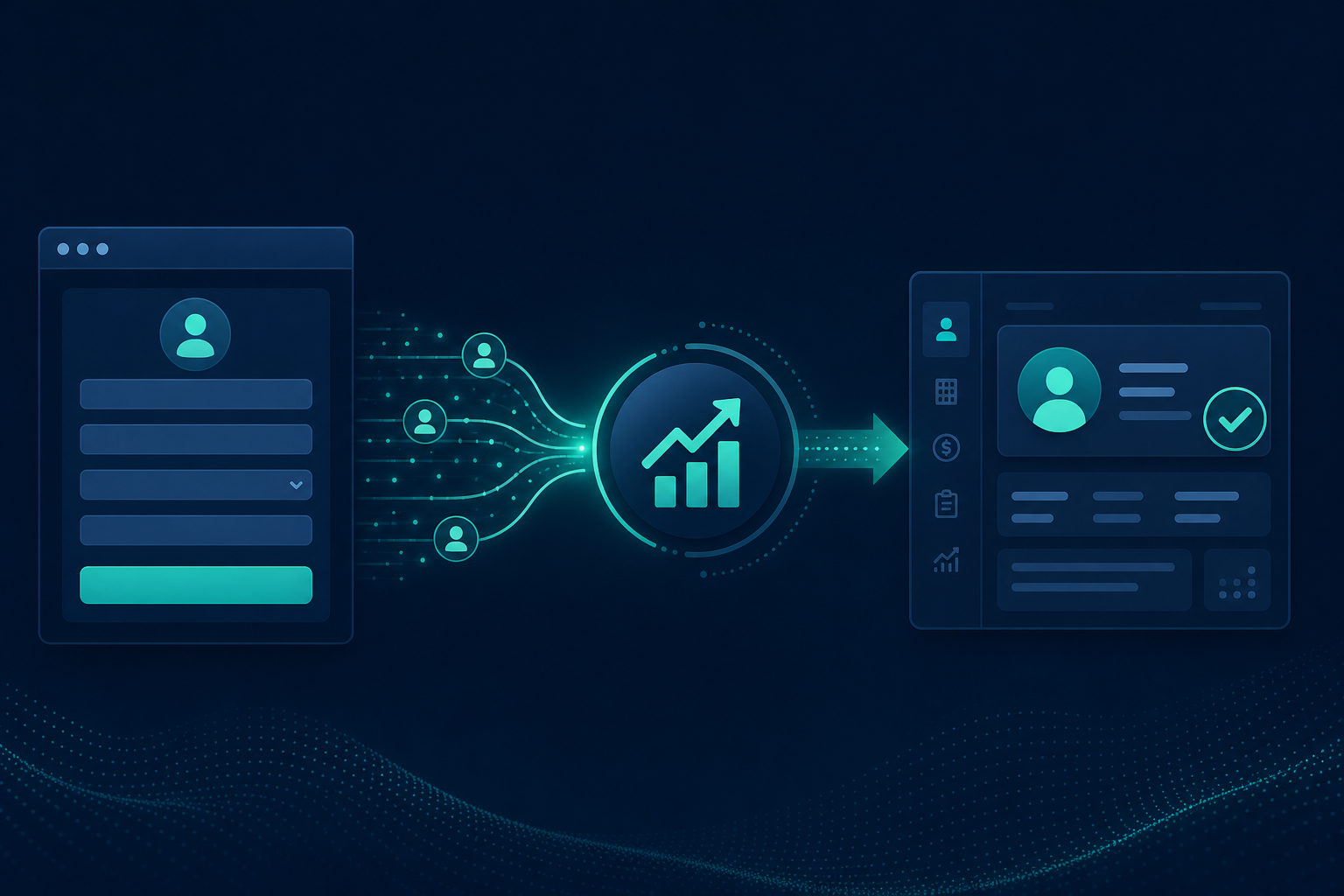
Implementation steps: CRM → Google Ads integration
Practical implementation proceeds in five steps. Step 1: verify base tracking — Google tag, Consent Mode v2, form conversion, and Enhanced Conversions for Leads on the form. Step 2: enable auto-tagging and ensure GCLID is stored on the form (GTM + hidden field).
Step 3: integrate GCLID into CRM — form hidden field → CRM field (HubSpot: custom property, Salesforce: Lead Source + GCLID field). Step 4: define "Closed Won" status in CRM as an offline conversion and build automation (Zapier, Make, direct API) that sends GCLID + date + value to Google Ads API.
Step 5: validate — make a test deal, check the Google Ads Conversions page that the offline conversion arrives, and let the algorithm collect at least 30 offline conversions before switching Smart Bidding strategy to deals.
This integration is the core of the Full Stack service for B2B clients: one team builds tracking, CRM connection, and optimization strategy as a unified whole. A Google Ads partner without CRM experience often leaves the offline loop incomplete.
Smart Bidding with offline data
When offline conversions start flowing, it is worth re-evaluating the Smart Bidding strategy. Form conversion alone + Maximize Conversions optimizes for volume. Closed deal as offline conversion + Target CPA or Target ROAS optimizes for business outcome.
Conversion action hierarchy in B2B: (1) form/demo request — intermediate goal, not optimization target; (2) qualified lead — CRM status as offline conversion; (3) closed won — primary optimization target. On the Google Ads account, define separate conversions and mark only "closed won" as the primary conversion action for Smart Bidding.
Attribution improves: you see which campaigns, keywords, and ads produce real deals — not just forms. This guides budget allocation, negative keywords, and landing page testing based on data.
For B2B SaaS companies this is a critical competitive advantage: most competitors still optimize for forms. Our service for B2B SaaS builds the entire chain — demo pipeline, CRM integration, and offline optimization — as one process.
Common CRM → Google Ads mistakes
We see these mistakes repeatedly in B2B Google Ads account audits — often on accounts where CRM is fine but Google Ads optimizes the wrong goal.
- Not storing GCLID in CRM → offline chain breaks at the start
- Auto-tagging disabled → GCLID does not pass from click to form
- Manual CSV import at high volumes → delays and errors
- Form conversion only as Smart Bidding target → optimizing for cheap leads
- Late offline conversion upload → deals over 90 days are rejected
- Missing Enhanced Conversions for Leads → GCLID-less deals stay invisible
- Importing closed deals without conversion value → Target ROAS does not work
Frequently asked questions
What is GCLID and why does it matter?
GCLID (Google Click Identifier) is a unique identifier for every Google Ads click. It is stored in the CRM with the lead and later links the closed deal to the original click in offline conversions. Without GCLID, Google cannot learn which clicks lead to deals.
What is the difference between OCI and Enhanced Conversions for Leads?
Offline Conversion Import (OCI) brings CRM deals into Google Ads via GCLID — the most accurate match. Enhanced Conversions for Leads supplements this with hashed email/phone when GCLID is missing. Use both for best coverage.
How quickly must offline conversions be sent?
Google accepts offline conversions up to 90 days from the click (Click Conversion) or 63 days from the lead conversion. In a B2B sales cycle, deals must be recorded and sent from CRM to Google Ads API without delay — a weekly batch is the practical minimum.
When should Smart Bidding switch to optimizing for deals?
When at least 30 offline conversions have accumulated in the last 30 days. Mark "closed won" as the primary conversion action and use Target CPA or Target ROAS. Start with the qualified lead stage if closed deals are still scarce.