Why does the product feed decide in Shopping?
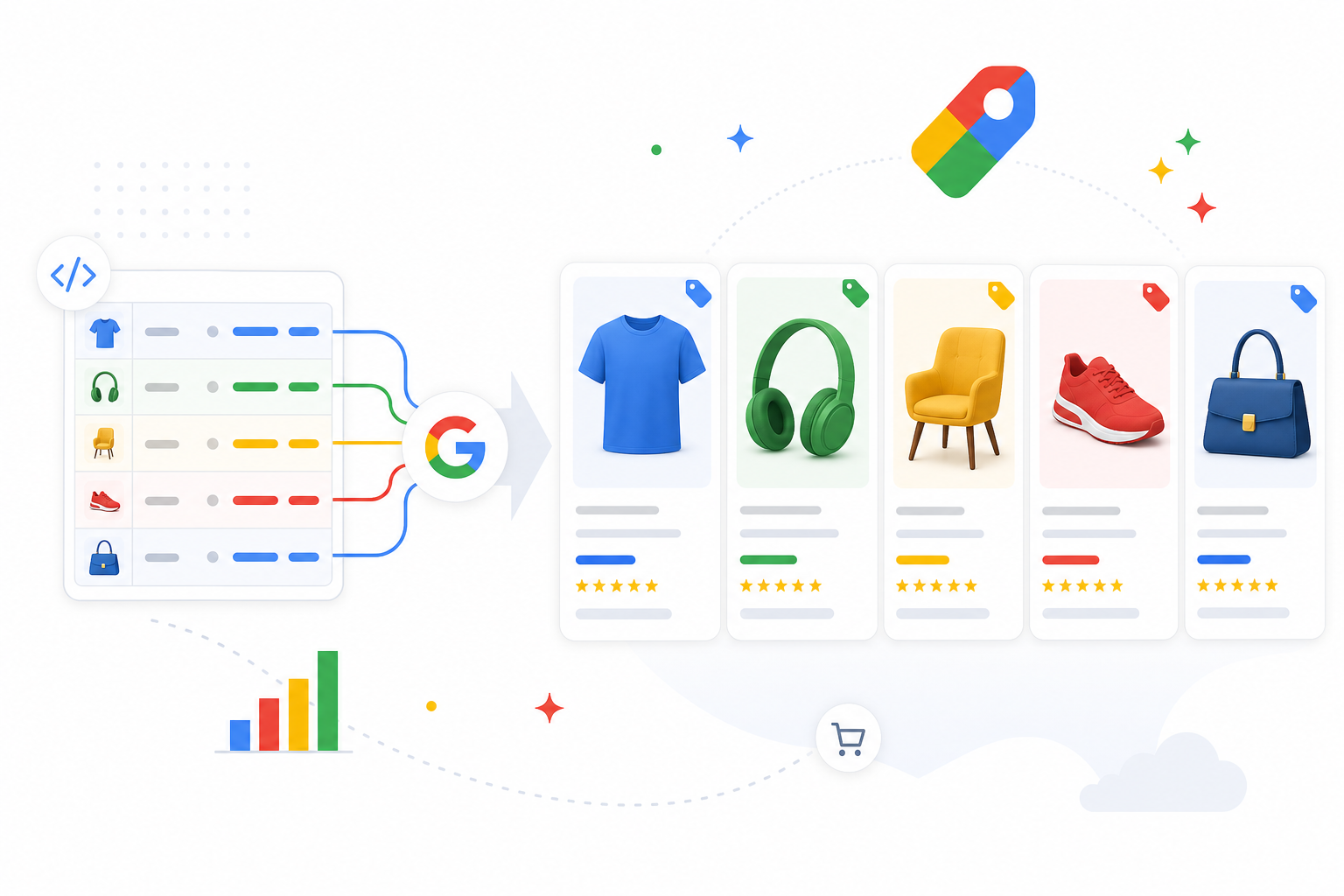
Unlike search campaigns, in Google Shopping you do not choose keywords. Google decides which searches your product appears for by analyzing the product feed's data. The feed is therefore the targeting: the better your product is described, the better Google can show it for the right searches.
At the same time, the feed is the creative: the product card shown in results (title, image, price, store) is built directly from the feed's data. An attractive, clear product card earns clicks; a weak one goes unnoticed. The feed thus affects both visibility and click-through rate.
This means Shopping optimization is largely feed optimization. The quality of the Merchant Center product feed is the foundation of Shopping success — before adjusting budgets or bids, make sure the feed is right.
Optimizing the product title: the most important field
The product title is the single most important feed field. Google weights it heavily when deciding visibility, and it is the most visible text on the product card. An optimized title contains the essential search terms in a natural order.
A good title structure depends on the industry, but the general principle is: the most important distinguishing details first. Apparel: brand + product type + gender + color + size + material. Electronics: brand + model + product type + key specs. The key is that the search terms a customer is likely to use are in the title.
Avoid filler words and marketing language ("best", "premium quality") — Google and customers search for concrete attributes. Test different title structures and track how they affect visibility and clicks.
Attributes and categories
Feed attributes tell Google the product's details. The required fields (id, title, description, link, image, price, availability) are the minimum, but filling more attributes improves visibility and enables more precise targeting.
Important attributes: GTIN (product code, significantly improves matching), brand, product_type (your own category), google_product_category (Google's taxonomy), and variants (color, size, material). The more complete the data, the better Google understands and shows the product.
Custom labels are a powerful tool for campaign structure: you can tag products by margin, seasonality, bestseller status, or price tier, and segment campaigns based on them. This lets you steer budget toward the most profitable products.
- Required: id, title, description, link, image, price, availability
- GTIN: improves matching — always fill when available
- brand, product_type, google_product_category
- Variants: color, size, material, condition
- Custom labels: margin, season, bestseller, price tier for segmentation
Images and price
The product image is the most visible element of the product card and directly affects click-through rate. Use high-quality, clear images on a white or neutral background (per Google's requirements). The main image must show the product clearly without text or watermarks, which can cause disapproval.
Price is often a decisive factor in a Shopping result because customers compare directly. Make sure the feed price matches the landing-page price (a mismatch causes disapproval), and leverage sale prices (sale_price) — they show on the card and improve appeal.
Availability must be up to date: advertising sold-out products wastes budget and hurts the experience. A real-time or frequently updated feed prevents this.
Performance Max and Shopping
Performance Max has replaced the traditional Smart Shopping campaigns and covers Shopping inventory as part of a broader campaign that combines all Google channels. The product feed is still the core of Performance Max in e-commerce — the feed fuels the whole campaign.
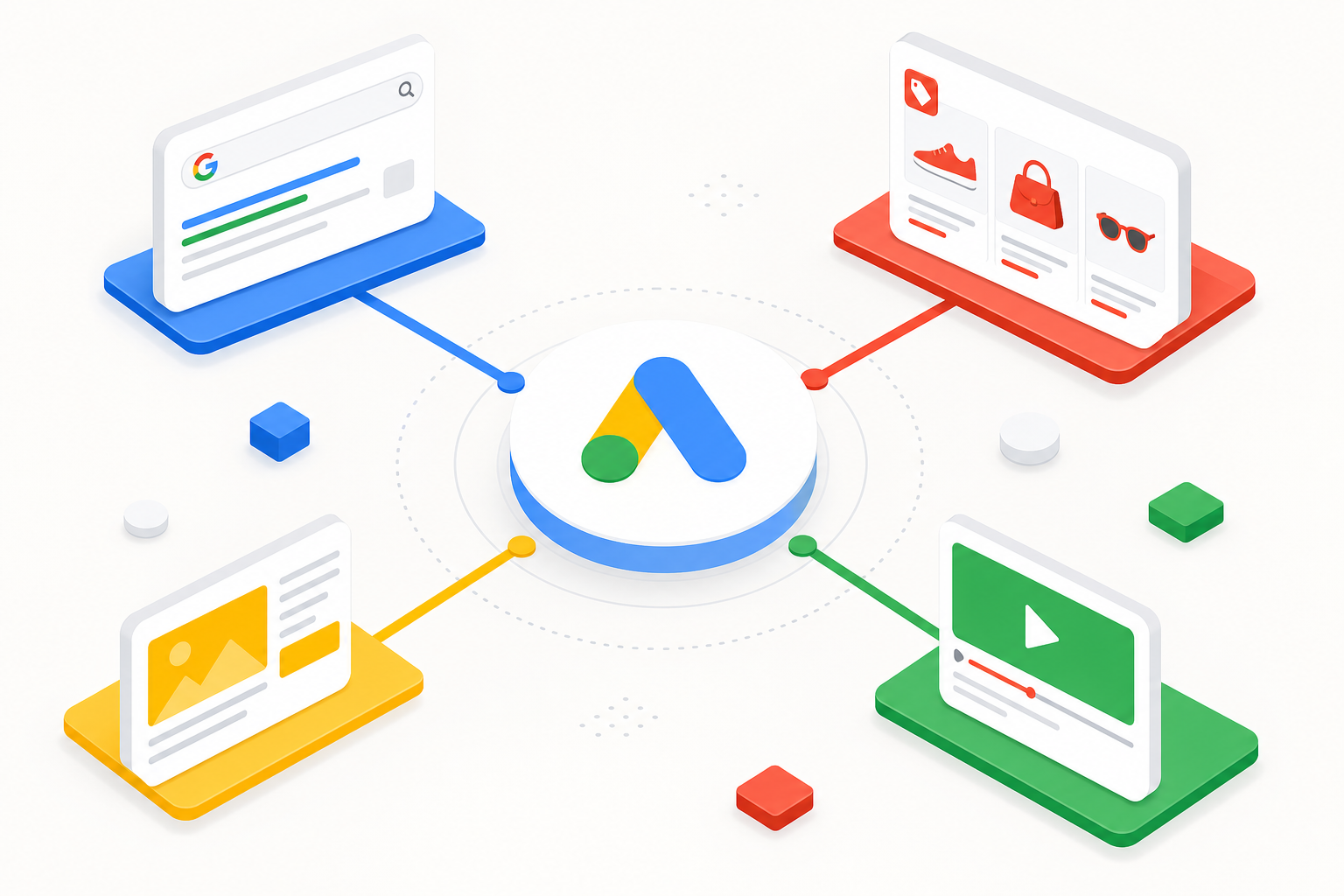
Performance Max optimizes automatically across channels (Shopping, Search, Display, YouTube) and audiences. This makes feed quality even more important: because manual control is more limited, the feed and conversion data are your primary levers.
Use asset groups and listing groups to segment products, and supply quality creatives (images, headlines, videos) to complement the Shopping inventory. Give the campaign enough conversion data and time to learn before drawing conclusions.
Campaign structure and segmentation
Even though Performance Max automates much, structure decides budget steering. Do not put all products in one campaign without differentiation — then the winners eat the budget and the weak stay in the dark without control.
Segment using custom labels: separate, for example, high-margin products, bestsellers, and seasonal products into their own campaigns or asset groups. This lets you set different goals (ROAS) and budgets for different product groups based on their profitability.
Monitor product-level performance: which products produce, which eat budget without conversions. Exclude the unprofitable ones or move them to a separate, lower-goal campaign. Product-level optimization is ongoing work.
Common product feed errors
We see these errors repeatedly in Merchant Center audits — often in e-commerce stores whose products do not show as expected.
- Weak product titles → missing search terms, product does not show for the right searches
- Missing GTIN → weaker matching and visibility
- Price mismatch between feed and page → product disapproval
- Outdated availability → advertising sold-out products wastes budget
- All products in one campaign → no budget control by product group
- Poor images or watermarks → disapproval or low click-through rate
Frequently asked questions
Why is the product feed so important in Google Shopping?
Because Shopping has no keywords — Google decides a product's visibility based on the feed's data. The feed is both the targeting (which searches the product shows for) and the creative (the product card content). A weak feed means weak visibility.
How do I optimize the product title?
Put the most important distinguishing details and search terms first: typically brand + product type + key attributes (color, size, model). Avoid marketing language ("best") and filler — use concrete attributes that customers search for.
Do I need a GTIN?
Fill it whenever available. GTIN improves Google's ability to match your product to the right searches and comparisons, which improves visibility. A missing GTIN weakens performance.
What replaced Smart Shopping campaigns?
Performance Max now covers Shopping inventory as part of a broader campaign combining Shopping, Search, Display, and YouTube. The product feed is still its core in e-commerce.
How do I segment Shopping products?
Use custom labels to separate products by e.g. margin, bestseller status, or seasonality, and set different ROAS goals and budgets for different campaigns/asset groups. This steers budget toward the most profitable products.