What is llms.txt?
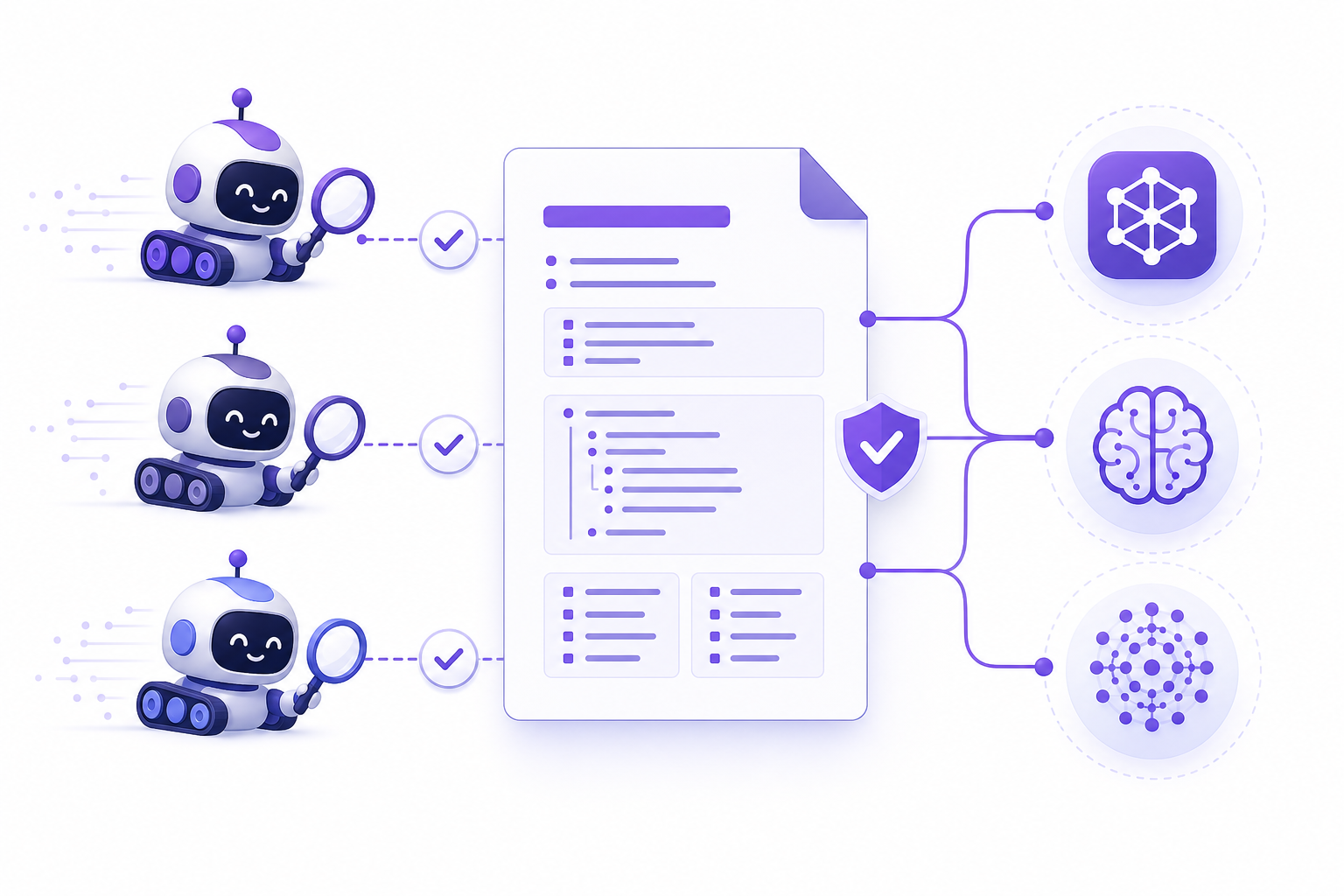
llms.txt is a proposed standard located at the site root (e.g. /llms.txt) that tells language models (LLMs) about the site's most important content in a structured, easily readable format. The idea is to give AI engines a concise map of the site's essential content — without navigation, ads, and other noise.
Unlike robots.txt, which tells crawlers what they may fetch, llms.txt tells them which content is valuable and how it is organized. It is meant to complement, not replace, traditional technical SEO and structured data.
The standard is still evolving and not all AI engines use it yet. Still, it is a cheap, low-risk addition to a GEO strategy: if AI engines start using it more widely, you are ready.
The structure of an llms.txt file
llms.txt is a Markdown-formatted file. It starts with the site name and a short description, followed by a structured list of the most important content areas with links. The goal is for a language model to quickly understand what the site is about and where the deepest information lives.
In practice you list the most important pages and resources by heading: services, guides, documentation, frequently asked questions. A short description for each link helps the model assess relevance. Keep the file concise and up to date.
- Location: site root (/llms.txt)
- Format: Markdown — headings, links, short descriptions
- Content: the most important pages and resources, not everything
- Goal: a concise map of essential content
- Maintenance: update when you add significant content
AI crawlers and robots.txt
AI engines use their own crawlers to fetch content. GPTBot (OpenAI), ClaudeBot (Anthropic), PerplexityBot, Google-Extended, and meta-externalagent are among the most important. You can manage them with robots.txt the same way as traditional search crawlers.
An important distinction: some crawlers fetch content for real-time answers and citations (e.g. OAI-SearchBot, PerplexityBot), while others collect data to train models (e.g. GPTBot, CCBot). For most brands a sensible line is to allow citation crawlers (visibility in AI answers) but consider blocking training crawlers.
In practice you define User-agent-specific rules in robots.txt. Note that a crawler's name and purpose can change — keep the list up to date. Platforms like Cloudflare also offer managed AI-bot rules that can conflict with your own.
- Citation crawlers (visibility): OAI-SearchBot, PerplexityBot, Google-Extended
- Training crawlers (consider blocking): GPTBot, CCBot, Bytespider
- Management: robots.txt User-agent rules
- Watch for overlap with CDN/platform AI rules
Content Signals: allow visibility, control usage
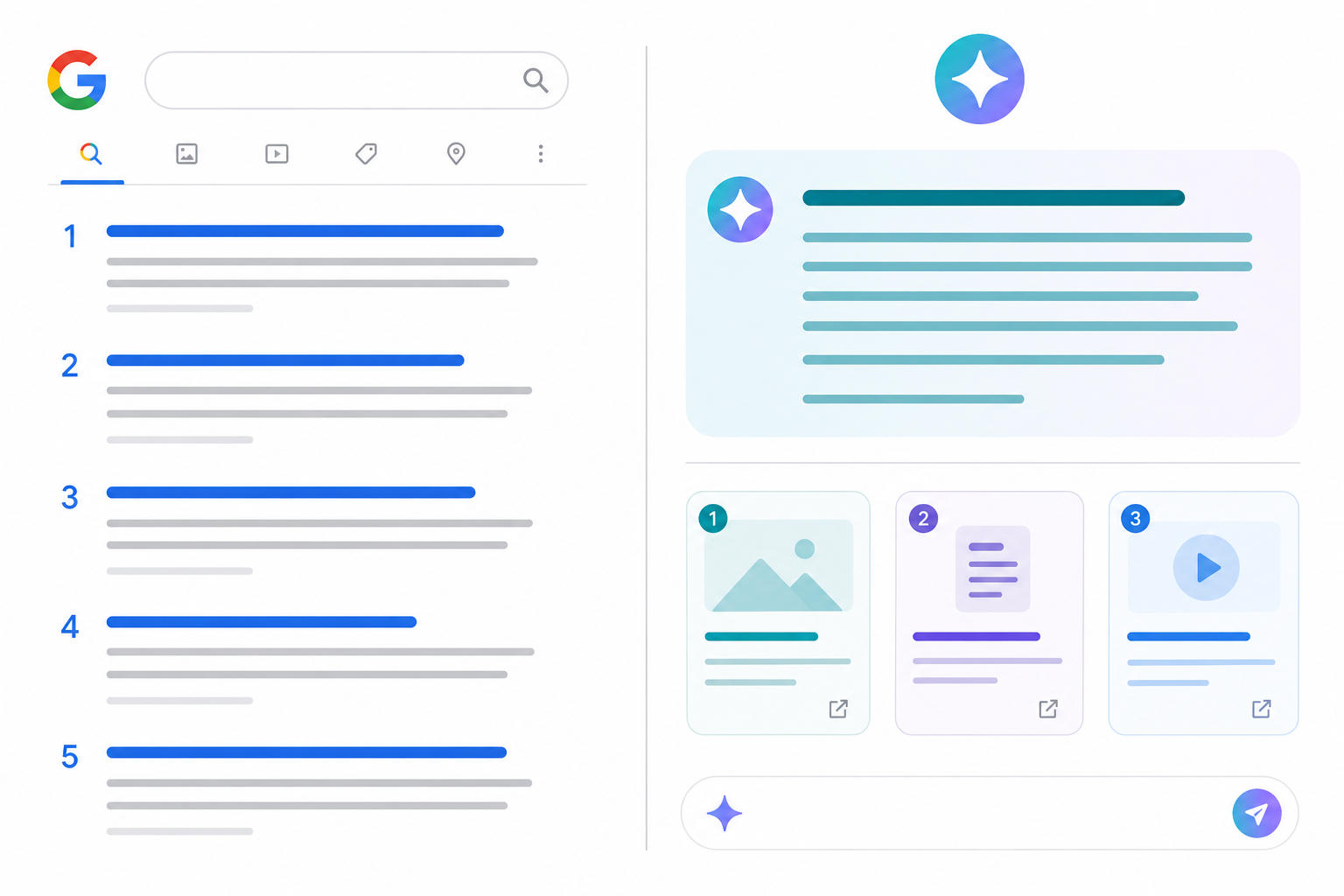
Content Signals is a way to complement robots.txt by expressing how content may be used. It distinguishes three purposes: classic search indexing (search), AI answers and citations (ai-input), and model training (ai-train).
A typical GEO-friendly line: allow search and ai-input (you want to appear in both Google and AI answers), but mark ai-train negatively if you do not want your content in training corpora. This maximizes visibility while retaining control over training use.
Allow or block? A strategic decision
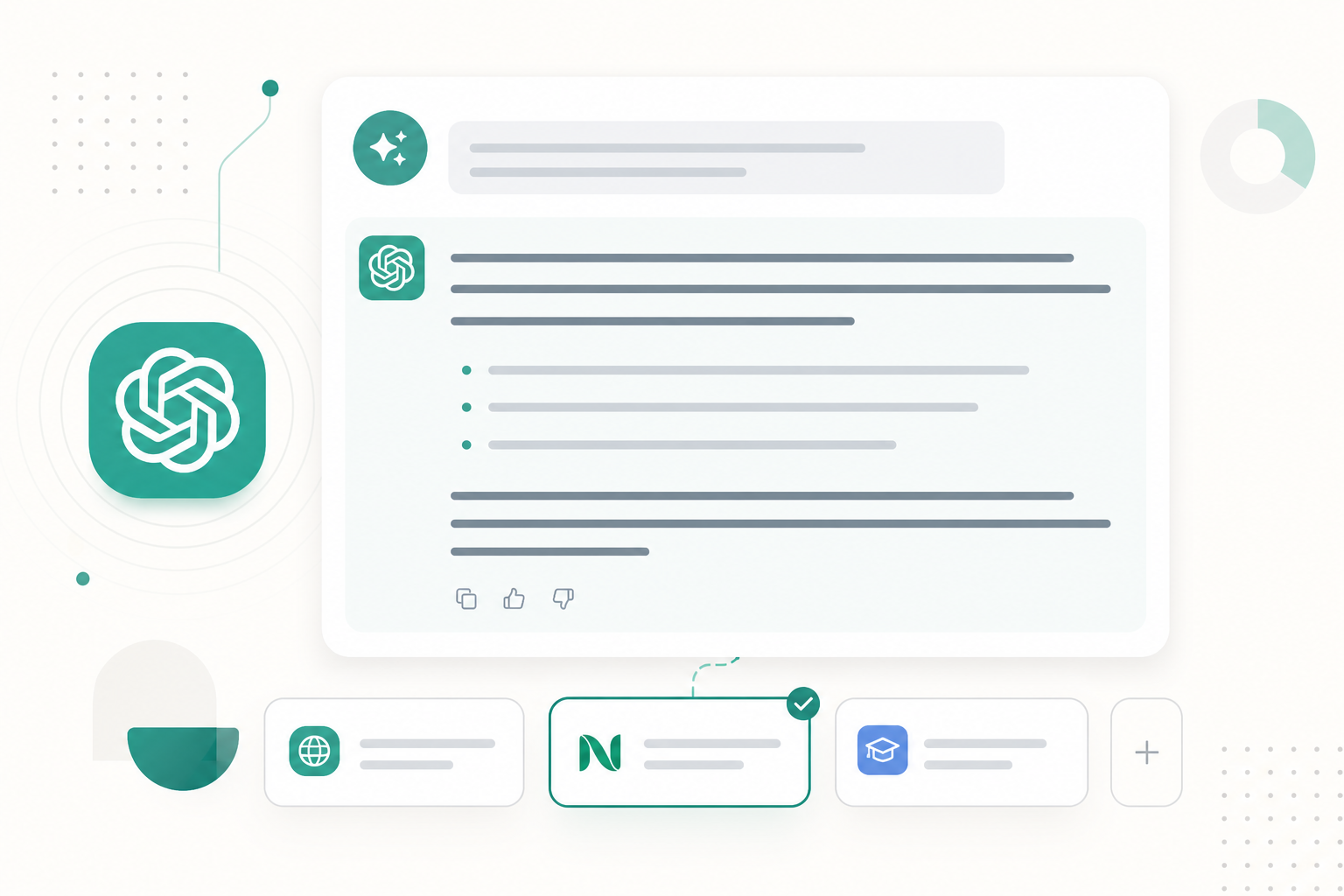
Managing AI crawlers is a strategic decision, not just a technical setting. If you want visibility in AI answers (GEO), you must allow citation crawlers — otherwise your brand cannot appear in ChatGPT or Perplexity. The cost of blocking is invisibility.
For training crawlers the trade-off is different: blocking protects your content from training use, but you do not lose visibility in real-time AI answers (which use search, not training data). For most brands this is a sensible balance.
The key is to make a deliberate decision and implement it consistently in robots.txt and Content Signals markup. Do not leave the settings to chance — they directly affect your AI visibility.
Common mistakes in technical GEO
We see these mistakes repeatedly as brands try to manage their relationship with AI engines.
- Blocking all AI crawlers → you lose visibility in AI answers
- Seeing llms.txt as a magic wand → it complements, not replaces, SEO and schema
- Conflicting rules in robots.txt and the CDN → unpredictable outcome
- Outdated crawler list → new bots stay outside your control
- Neglecting structured data → AI cannot identify entities without schema
Frequently asked questions
What is llms.txt and do I need it?
llms.txt is a Markdown file at the site root that tells language models about your site's most important content. It is a recommended, low-risk addition to a GEO strategy, even though not all AI engines use it yet.
Should I block GPTBot and other AI crawlers?
It depends on your goals. Citation crawlers (OAI-SearchBot, PerplexityBot) are usually worth allowing for visibility. Training crawlers (GPTBot, CCBot) may be worth blocking if you do not want your content in training corpora — this does not block visibility in real-time AI answers.
What is the difference between llms.txt and robots.txt?
robots.txt tells crawlers what they may fetch; llms.txt tells them which content is valuable and how it is organized. They complement each other: robots.txt controls access, llms.txt guides understanding.
What is Content Signals?
Content Signals is a way to express in robots.txt how content may be used: search (search indexing), ai-input (AI answers), and ai-train (model training). A GEO-friendly line allows search and ai-input but may restrict ai-train.