What does technical SEO mean?
Technical SEO refers to all the technical properties of a site that enable search engines to crawl, understand, and rank it. It is not content or links — it is the foundation those are built on. Without technical health, content cannot even compete.
Technical SEO breaks down into four pillars: indexability (can Google find your pages), speed and experience (Core Web Vitals), site structure (does Google understand how content relates), and structured data (does schema markup help Google interpret the content). When these are in order, your content and authority can actually deliver results.
The key principle: technical SEO is not a one-off project. It is a continuous process of monitoring indexing, measuring performance, and fixing issues before they erode rankings. Google Search Console is the central tool for this.
Indexability and crawlability: can Google find your pages?
Indexability is the foundation of technical SEO. If Google cannot crawl and index a page, it cannot rank it — regardless of content quality. Indexing blockers are surprisingly common, and they are often introduced by accident.
Crawling starts with the robots.txt file, which tells crawlers what they may fetch. A common mistake is accidentally blocking important content with a Disallow rule. The XML sitemap, in turn, tells Google which pages exist and when they were updated — speeding up discovery of new pages.
Canonical tags resolve duplicate content: they tell Google which version of a page is the "official" one. Without them, Google may index the wrong versions or split ranking signals across multiple URLs. The noindex tag deliberately prevents indexing — use it for thank-you pages and internal search results, not accidentally on important pages.
- robots.txt: allow important content, block only admin/thank-you/duplicates
- XML sitemap: list all indexable pages + lastmod date
- Canonical tags: one official URL per piece of content (avoid duplicates)
- hreflang: declare language versions (FI/EN) correctly
- noindex only where it belongs — verify it is not on important pages
- Internal linking: orphan pages (no internal links) are not discovered
Core Web Vitals: speed is a ranking signal
Core Web Vitals is how Google measures site experience through three concrete metrics. They are an official ranking signal, and on mobile especially a slow page loses both rankings and visitors — 53% of mobile visitors leave if a page takes more than three seconds to load.
LCP (Largest Contentful Paint) measures how quickly the largest content element loads — target under 2.5 seconds. INP (Interaction to Next Paint) replaced FID in 2024 and measures how quickly the page responds to user actions — target under 200 ms. CLS (Cumulative Layout Shift) measures how much page elements jump during load — target under 0.1.
The most common fixes: optimize images (WebP/AVIF, correct size, lazy loading), reserve space for images and ads (prevents CLS), minimize JavaScript and use a CDN. Loading fonts with font-display: swap prevents invisible text. Server-side rendering and prerendering significantly speed up LCP.
Site structure and internal linking
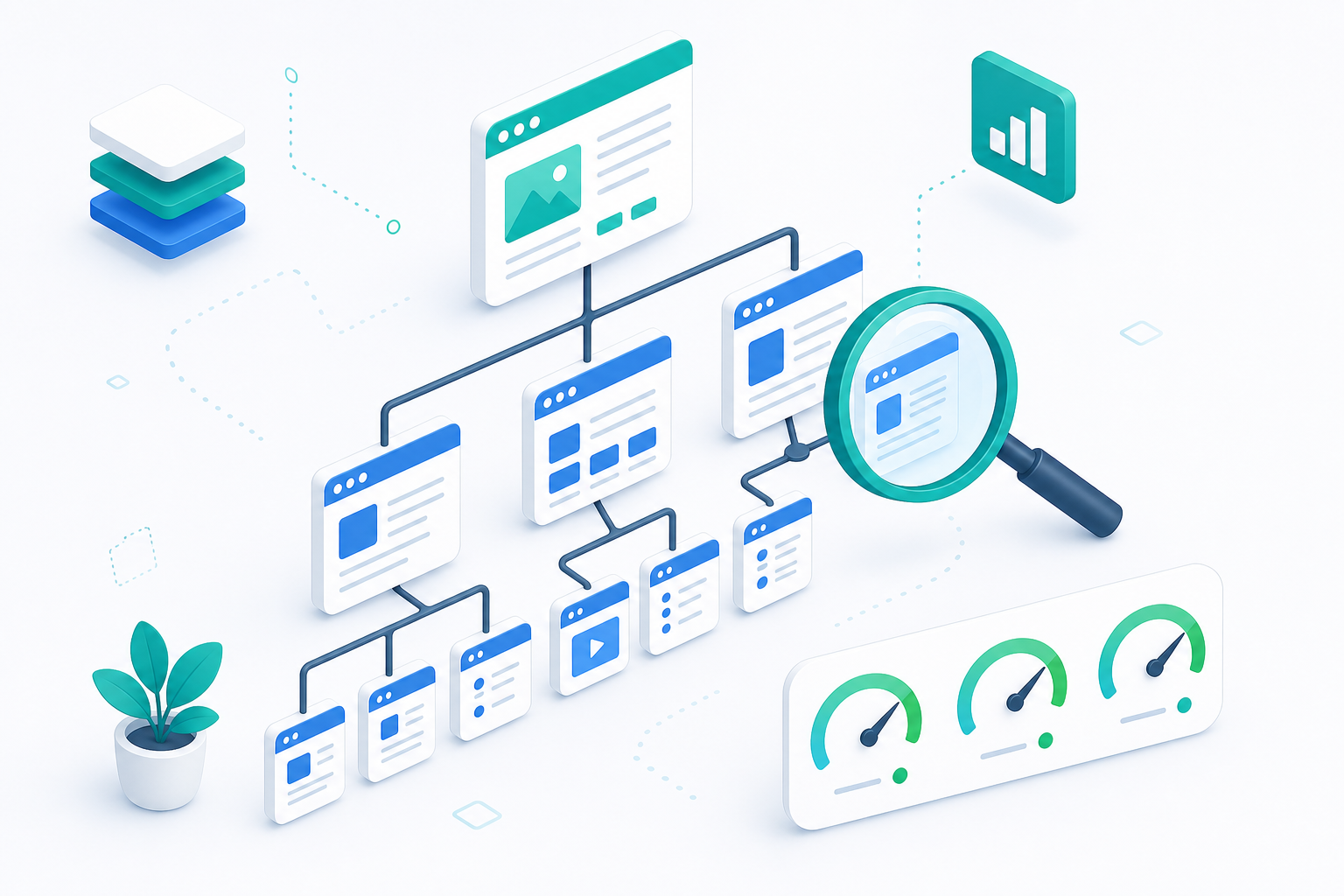
A clear site structure helps both users and search engines understand how content relates. Good structure is shallow and logical: the most important pages are close to the homepage (at most 3 clicks away), and content is grouped into clear topic areas.
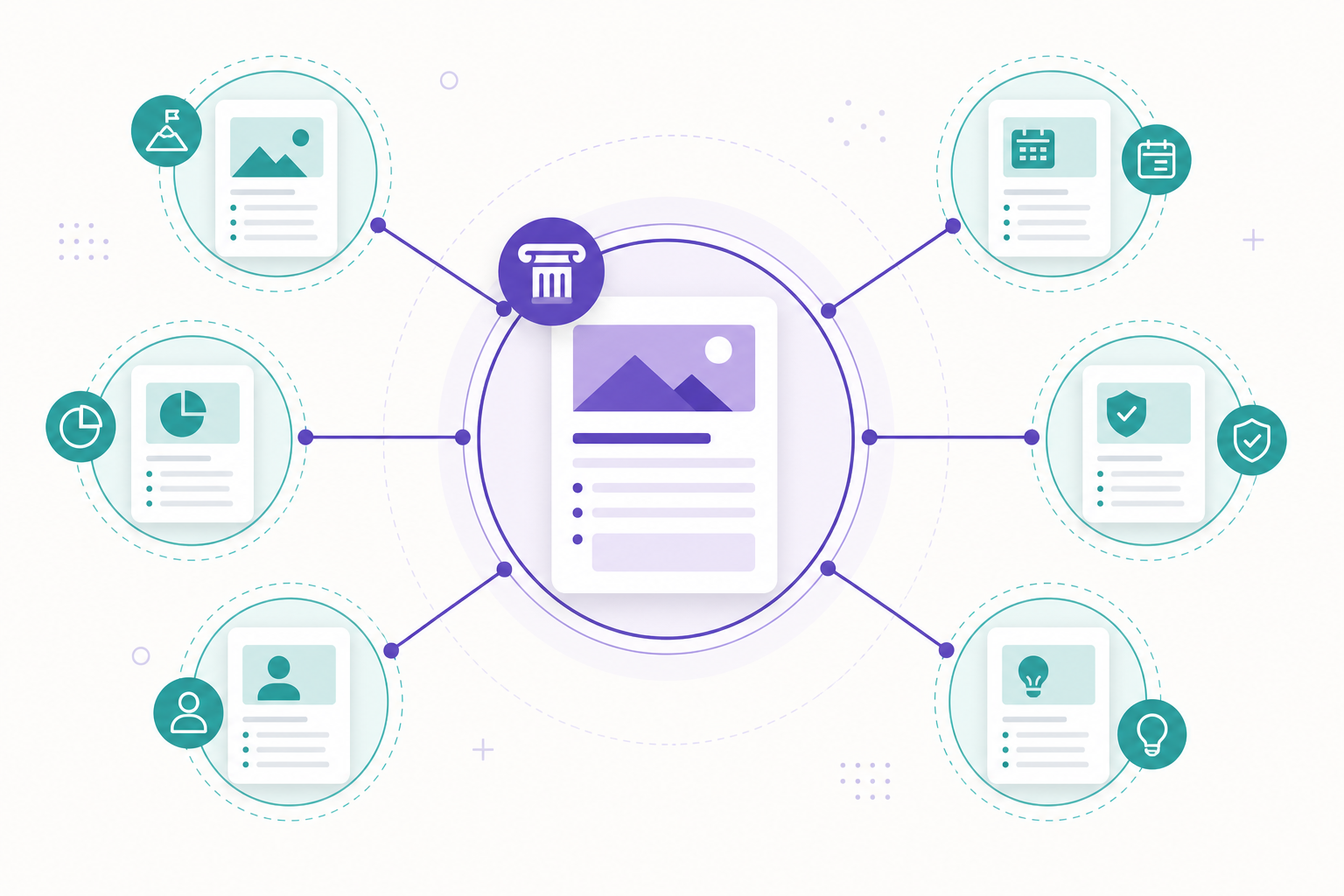
Topic clusters are the most effective way to build SEO authority: one comprehensive pillar page on a topic (like this article) and several supporting articles that link to the pillar and to each other. This tells Google the site has deep expertise on the topic.
Internal linking distributes ranking signals between pages and guides both users and crawlers. Use descriptive anchor text (not "read more" but "technical SEO guide"). Breadcrumbs clarify hierarchy and appear in search results. Avoid orphan pages that no internal link points to.
- Shallow hierarchy: important pages ≤ 3 clicks from the homepage
- Pillar page + supporting articles = topic cluster
- Descriptive anchor text, not generic "read more" links
- Breadcrumbs (BreadcrumbList schema) clarify the hierarchy
- No orphan pages — every page has internal links pointing to it

Structured data: help Google understand the content
Structured data (Schema.org markup) is machine-readable information that tells search engines what your page contains. It does not directly raise rankings, but it enables rich snippets (stars, FAQ expansions, breadcrumbs) and helps both Google and AI search engines interpret content correctly.
The most important schema types: Organization (brand as an entity), WebSite, BreadcrumbList (hierarchy), Article/BlogPosting (content articles), FAQPage (question-answer pairs), Service (offerings), and Person (authors — a key E-E-A-T signal). Connect them with @id references into one coherent knowledge graph.
Structured data is also the bridge to GEO (Generative Engine Optimization): AI search engines like ChatGPT and Perplexity use schema to identify entities and facts. A well-marked-up page is more likely to appear in both Google rich snippets and AI answers.
Technical SEO checklist
Use this checklist to audit technical SEO. Run through it quarterly and after any major site changes.
- Indexing: Search Console "Pages" — is everything important indexed?
- robots.txt allows important content, sitemap.xml is up to date
- Canonical tags correct, no duplicate URLs
- hreflang correctly defined for FI/EN versions
- Core Web Vitals: LCP < 2.5s, INP < 200ms, CLS < 0.1 (mobile)
- HTTPS site-wide, no mixed content
- Mobile-friendly: responsive, readable without zooming
- Structured data valid (Rich Results Test)
- Internal linking: no orphan pages, descriptive anchor text
- 404 errors and redirects (301) in order
Five most common technical SEO mistakes
We see these mistakes repeatedly in technical SEO audits — often on sites with otherwise high-quality content whose rankings do not match expectations.
- Accidentally blocked indexing → noindex or robots.txt Disallow on important pages
- Slow mobile pages → unoptimized images and heavy JavaScript kill LCP
- Duplicate content without canonical tags → ranking signals scatter
- Confusing site structure → important pages too deep, orphan pages
- Missing or broken structured data → lost rich snippets and weak AI visibility
Frequently asked questions
What is the difference between technical SEO and content SEO?
Technical SEO ensures search engines can find, index, and understand your site (indexing, speed, structure, schema). Content SEO focuses on the content and keywords themselves. Technical SEO is the foundation — without it, even the best content will not rank.
What are the Core Web Vitals metrics in 2026?
Three metrics: LCP (Largest Contentful Paint, target < 2.5s) measures load speed, INP (Interaction to Next Paint, < 200ms) measures responsiveness, and CLS (Cumulative Layout Shift, < 0.1) measures visual stability. INP replaced FID in 2024.
How often should technical SEO be audited?
We recommend a full technical audit quarterly, plus after any major site changes (redesign, migration, platform switch). Search Console should be monitored continuously for indexing issues.
Does structured data help rankings?
Structured data does not directly raise rankings, but it enables rich snippets (stars, FAQ, breadcrumbs) and helps both Google and AI search engines understand the content. This improves click-through rate and visibility in AI answers.
What is a topic cluster?
A topic cluster is an SEO structure where one comprehensive pillar page covers a broad topic and several supporting articles go deeper into sub-areas and link back to the pillar. This signals to Google that the site has deep expertise on the topic.