Why ecommerce Google Ads requires more than raising budget
In ecommerce, Google Ads is directly tied to revenue: every click costs immediately, and every conversion produces instant sales. That makes the channel powerful — but also fragile. When campaign structure, the product feed, or conversion tracking is wrong, increasing budget only accelerates losses.
Unlike lead generation, ecommerce gives the algorithm rich signals: purchases, product values, margins, and returning customers. The problem is rarely lack of data but data quality and aligning targets with the business. ROAS without margin is misleading; Shopping without feed optimization is a budget leak; Performance Max without segmentation lets winners consume budget and hides losers.
At AlgoTerra we approach ecommerce Google Ads in three layers: first ensure measurement and profitability math, then Shopping and Search structure, then scaling. Our Google Ads service is built in that order — not the reverse.
ROAS targets: revenue vs. profitability
ROAS (Return on Ad Spend) is ecommerce Google Ads' number one metric — but only when calculated correctly. Campaign ROAS shows how much ad spend returned in revenue. It does not tell you whether that revenue was profitable unless the ROAS target is tied to category margin.
Practical math: if average gross margin is 40%, break-even ROAS is 2.5 (1 / 0.4). Profitable scaling needs a target above that margin — e.g. 3.0–3.5 depending on logistics, returns, and support costs. Different product categories have different margins; one ROAS target for the whole store is usually wrong.
Do not set Target ROAS too early. Start with Maximize Conversion Value until the campaign has at least 30–50 conversions per month and data is stable. Move to Target ROAS only when you see a consistent baseline — otherwise the algorithm cuts visibility before it has learned.
Shopping and the product feed: the foundation of scaling
In ecommerce, Shopping and Performance Max typically account for 60–80% of Google Ads spend. The product feed is both targeting and creative: Google decides visibility from the feed, and the product card is built directly from feed data. A weak feed means even the best catalog stays invisible.
Before raising budget, confirm: product titles contain search terms, GTIN is filled, prices match the site, and custom labels separate high- and low-margin products. Segment campaigns or asset groups by margin, bestseller status, and seasonality — do not put the entire catalog in one campaign without separation.
Feed optimization is specialist work covered in depth in our Google Shopping guide. In an ecommerce Google Ads strategy, the feed is the first gate: without it, everything else is efficiency built on sand.
Performance Max in ecommerce
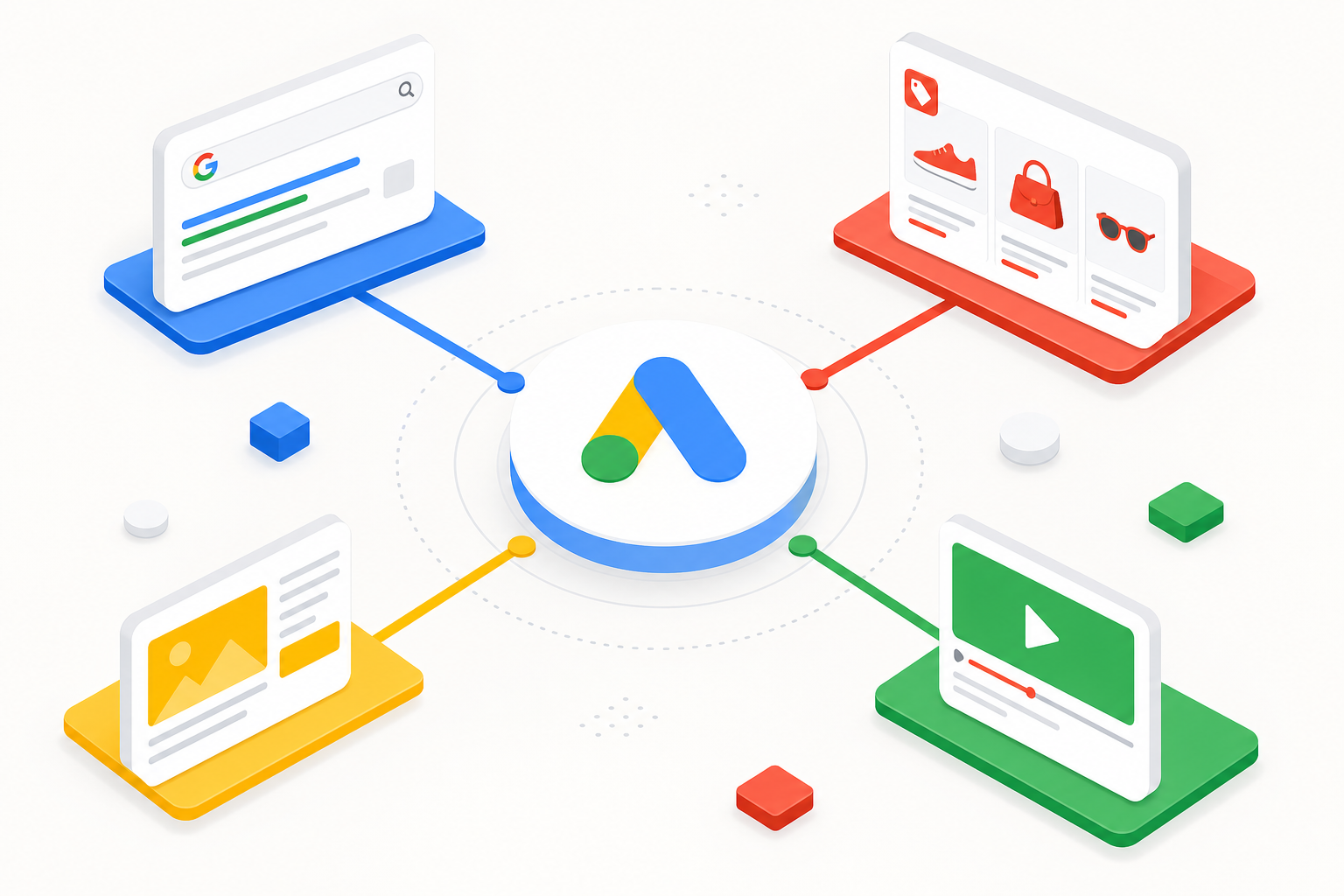
Performance Max combines Shopping, Search, Display, YouTube, and Discover in one campaign. In ecommerce it is a powerful scaling tool — when structure and data are right. PMax does not replace brand search control: a separate Brand Search campaign and brand exclusions in PMax prevent brand traffic from consuming non-brand budget.
Optimal PMax structure segments products by asset groups or listing groups: high margin / bestsellers, mid margin, seasonal, and clearance separately. Each group gets its own ROAS target and budget. Turn Final URL expansion off if landing page quality varies significantly by category.
PMax learning takes 2–4 weeks; stable performance often needs 4–6 weeks. Avoid major changes during learning. Deeper coverage is in our Performance Max guide — here the key point is that PMax is a scaling layer, not a substitute for feed and measurement foundations.
Search campaigns: brand, non-brand, and Shopping complement
Even when Shopping takes most budget, Search remains critical. Brand Search protects the brand from competitors and captures ready demand cheaply. Non-brand Search targets generic purchase queries Shopping may not cover — especially when launching new categories.
A hybrid model works best: Brand Search separate, non-brand Search controlled at keyword level (or limited alongside PMax), Shopping/PMax scaling the catalog. Do not mix B2B and B2C products in one campaign; category-level structure is often mandatory in ecommerce.
Quality Score directly affects cost: relevant ad copy, strong landing pages, and expected CTR lower CPC. In ecommerce, landing page speed, mobile experience, and price-availability consistency are Google Ads quality factors fixed at store level, not campaign level.
Conversion tracking: fuel for the algorithm
Google Ads optimizes what you measure. In ecommerce the primary conversion action is purchase (or order value in B2B ecommerce). Micro-conversions — page views, add to cart — can be secondary for reporting but must not drive Smart Bidding.
Enhanced Conversions improve data quality when cookies are insufficient. Server-side tracking (GTM server container + GA4) delivers more reliable data under iOS and privacy constraints. Conversion value must match actual order value — the algorithm optimizes for value, not volume alone.
Attribution in ecommerce is complex: PMax and Display get partial credit as assist channels. Compare Google Ads data with GA4 and your own analytics. Blended ROAS and total CAC tell the truth better than a single campaign ROAS in isolation.

Product and margin segmentation
Ecommerce Google Ads success depends on steering budget to the right products. Custom labels in Merchant Center (margin, bestseller, season, price tier) enable separate campaigns or asset groups. High-margin products get a more aggressive ROAS target and larger budget; low-margin products get tighter targets or exclusion.
Product-level reporting is ongoing work: which products perform, which consume budget without converting. Listing group reports in PMax and product-level Shopping data reveal unprofitable SKUs. Exclude them or move them to a separate clearance campaign with a lower target.
New product launches need a separate strategy: start with a broader target or Maximize Conversion Value, collect data, and tighten ROAS only when conversions are sufficient. The same logic applies to new markets and seasonal products.
- Custom labels: margin, bestseller, season, price tier
- Separate campaigns for high- and low-margin products
- Product-level exclusion of unprofitable SKUs
- Dedicated strategy for new product launches
- Clearance and sale items on separate ROAS targets
Scaling without ROAS collapse
Scaling is the goal of ecommerce Google Ads — but done wrong it destroys profitability. Increase budget by max. 20–30% at a time and wait at least 7–14 days before the next change. PMax reacts more slowly than Search because it optimizes across more channels.
Before scaling, confirm: feed is optimized, conversion tracking is reliable, ROAS target is realistic, and campaign structure is segmented. Scale best-performing categories first — not the whole catalog at once. If ROAS drops clearly after scaling, restore budget or tighten the target before continuing.
Horizontal scaling (new markets, new categories) needs a separate campaign and learning period. Vertical scaling (same structure, more budget) is faster but more sensitive to diminishing returns. Watch impression share: if non-brand Search is already above 80%, extra budget will not buy visibility — shift spend to Shopping or Meta.
Remarketing and returning customers
In ecommerce, remarketing is often underused — or overused without segmentation. Cart abandoners, product page viewers, and past buyers are different audiences that need different messages and offers. One remarketing campaign for everyone will convert, but ROAS stays low because the algorithm cannot separate ready buyers from casual browsers.
Build remarketing in segments: (1) cart abandoners in a 1–7 day window with a stronger offer, (2) product page viewers without purchase in 7–30 days with product-specific ads, (3) past buyers for cross-sell and upsell campaigns, (4) high-value customers for VIP offers. Each segment gets its own budget and ROAS target — past buyers tolerate a lower ROAS target because conversion probability is high.
Customer Match and Enhanced Conversions enable first-party data in remarketing. Upload buyer lists to Google Ads and exclude them from prospecting campaigns — so budget does not go to already converted customers. PMax can use remarketing signals as audience signals, but separate Display or Demand Gen remarketing gives more control over messaging and offers.
Budget allocation: where does the next euro go?
Ecommerce Google Ads budget split is not an even share between Shopping, Search, and remarketing — it depends on marginal return and demand state. Start by analyzing impression share: if non-brand Search is above 80%, extra Search budget will not buy visibility. Shift spend to Shopping, PMax, or Meta.
A practical allocation model for a growing store: 50–70% Shopping/PMax (catalog scaling), 15–25% Brand Search (brand protection), 10–20% non-brand Search (new categories and seasonal queries), 5–15% remarketing (conversion completion). Numbers vary by industry, catalog size, and brand strength — the key is that the split is an active decision, not a default.
Marginal return tracking is the key: increase budget first in the category where ROAS is clearly above target and impression share is below 70%. Cut budget or tighten the target in categories where ROAS is below target for three consecutive weeks. This is ongoing work — not a one-time setup.
- Impression share shows whether Search is maxed out
- Shopping/PMax typically takes the largest budget share
- Brand Search is cheap protection — do not cut it first
- Remarketing is efficient but needs segmentation
- Budget moves by marginal return, not fixed splits
From audit to scaling: how engagement starts
An ecommerce Google Ads audit quickly reveals whether the problem is structure or scaling. A typical audit covers five layers: conversion tracking reliability, product feed quality in Merchant Center, campaign structure and segmentation, ROAS target realism, and budget allocation by category. Each layer produces a prioritized fix list — not 50 items at once but a clear order.
The first 2–4 weeks focus on foundations: conversion tracking fixed, feed errors corrected, brand separated from non-brand, categories segmented. Only when foundations are solid do we tighten ROAS targets and raise budget. That feels slow but prevents scaling collapse — which is more expensive than a careful start.
In the scaling phase we track weekly product-level ROAS, impression share, and budget utilization. Monthly strategy reviews decide where the next euro should go — Shopping, Search, remarketing, or Meta. Transparent reporting means you see both campaign-level ROAS and product-level profitability — not just one headline number.
To assess your own situation, our Google Ads service starts with an audit. It quickly shows whether your store is ready to scale or needs foundations first. A case example is on our ecommerce case study page — compare your structure to that.
What we see at case level
Practical results confirm the strategy: when feed, segmentation, and measurement are right, ecommerce Google Ads scales profitably. The typical path is three phases — fix foundations (feed, conversions, structure), optimize ROAS targets by category, then raise budget in a controlled way.
At case level we see the same pattern repeatedly: before optimization, budget flows evenly across the catalog, bestsellers do not get enough visibility, and ROAS looks good only because of brand traffic. After segmentation and the right ROAS targets, non-brand Shopping and PMax drive growth without profitability collapse.
A concrete example is on our ecommerce case study page: it shows how structure, feed, and scaling changed and which metrics we tracked. This article is the strategic frame — the case shows the numbers.
Who is an ecommerce Google Ads partner for?
Ecommerce Google Ads is worth partnering on when in-house skills do not cover Shopping feeds, PMax structure, and conversion tracking as one system. Raising budget without structure is the most common reason growth stalls.
The right partner understands your profitability — ROAS targets are calculated from margin, not copied from competitors. Work is transparent: product-level reporting, clear scaling rules, and regular reviews of the whole system, not isolated campaign numbers.
If you recognize your situation, see our page for ecommerce: it describes which ecommerce businesses AlgoTerra's Google Ads model fits best and how engagement starts with an audit.
Five common ecommerce Google Ads mistakes
We see these mistakes repeatedly in audits — often in ecommerce stores with significant Google Ads spend but stalled growth.
- One ROAS target for the whole catalog → different targets by category based on margin
- Weak product feed before scaling → optimize the feed before raising budget
- Brand traffic mixed with non-brand → Brand Search separate + brand exclusions in PMax
- Micro-conversions as primary actions → purchase only as primary, others secondary
- Budget increases over 30% at once → max. 20–30% and 7–14 day wait
- No product-level monitoring → listing group and product reports monthly
Frequently asked questions
What is a good ROAS for ecommerce?
Good ROAS depends on margin. Break-even is 1 / gross margin (e.g. 40% margin → 2.5 ROAS). Profitable scaling needs a target above that margin. Different categories need different targets — one number for the whole store rarely works.
Do I need a separate Shopping campaign or is Performance Max enough?
For most ecommerce stores PMax is enough as a scaling tool when structure is segmented and brand search is separate. For small stores or tightly controlled Shopping, Standard Shopping can be an option, but PMax is Google's priority and covers Shopping inventory.
How fast can I increase Google Ads budget in ecommerce?
Increase by max. 20–30% at a time and wait at least 7–14 days. PMax reacts more slowly than Search. If ROAS drops clearly after scaling, restore budget before the next increase.
Why is my Shopping campaign not performing despite a large budget?
The most common cause is a weak product feed: missing search terms in titles, GTIN, price mismatch, or all products in one campaign without segmentation. Fix feed and structure before adding budget.
When should ecommerce Google Ads be outsourced?
When Shopping feeds, PMax structure, conversion tracking, and ROAS targets need more expertise than the in-house team can maintain, or when growth has stalled despite budget increases. An audit quickly reveals whether the problem is structure or scaling.