Why internal linking is an underrated SEO lever
Internal linking means links between pages on your own site. Unlike external links, they are entirely under your control — and their impact is often underestimated.
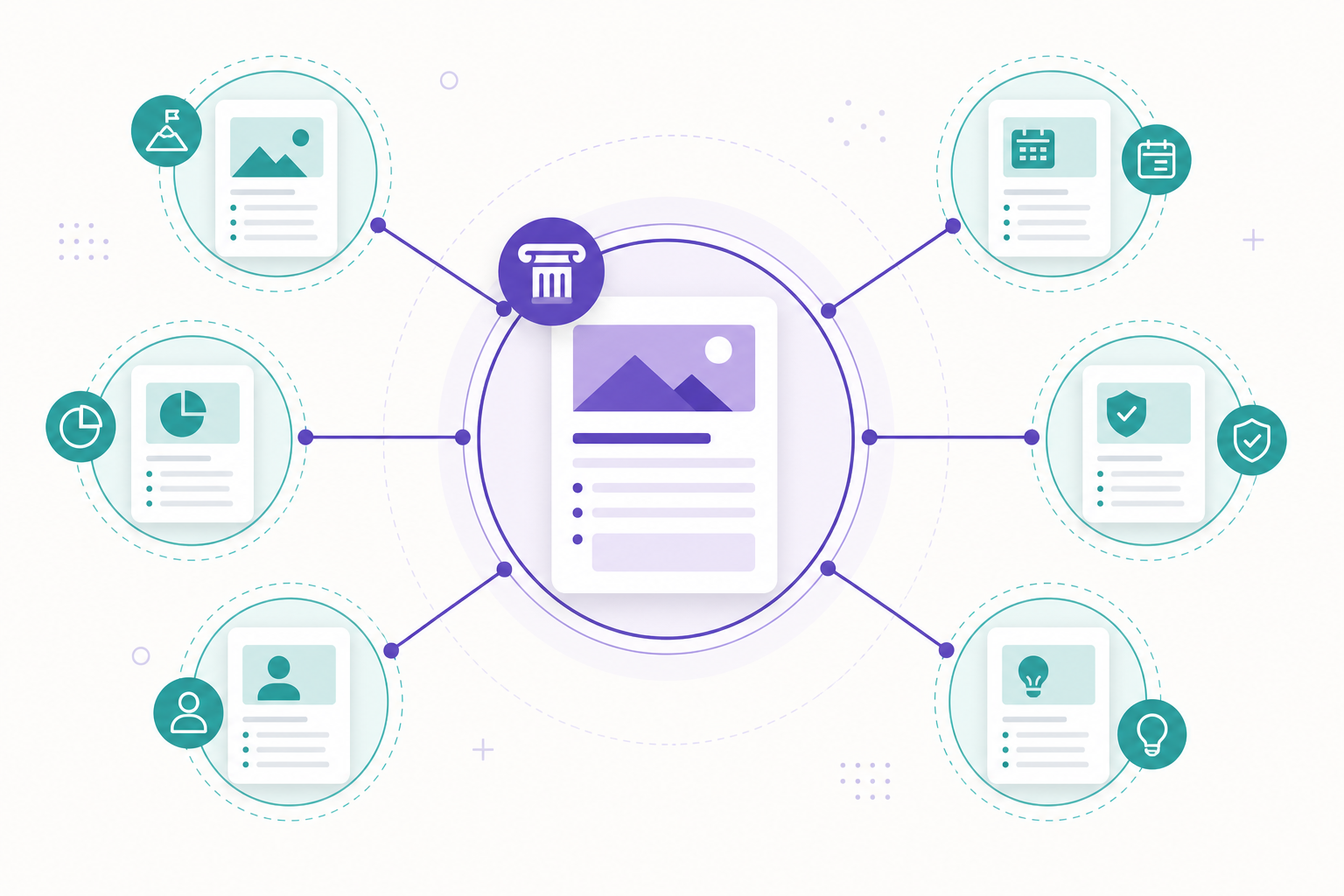
Internal links do three things: they steer page authority, help Google discover content, and signal thematic relationships between pages.
Good linking improves both SEO and user experience: readers find deeper content and stay longer. This guide focuses on architecture, anchor text, and crawl budget.
If you want to understand the content side, read content strategy and topic clusters — linking and topic clusters go hand in hand.
Linking steers authority
Hub-spoke architecture — a scalable structure
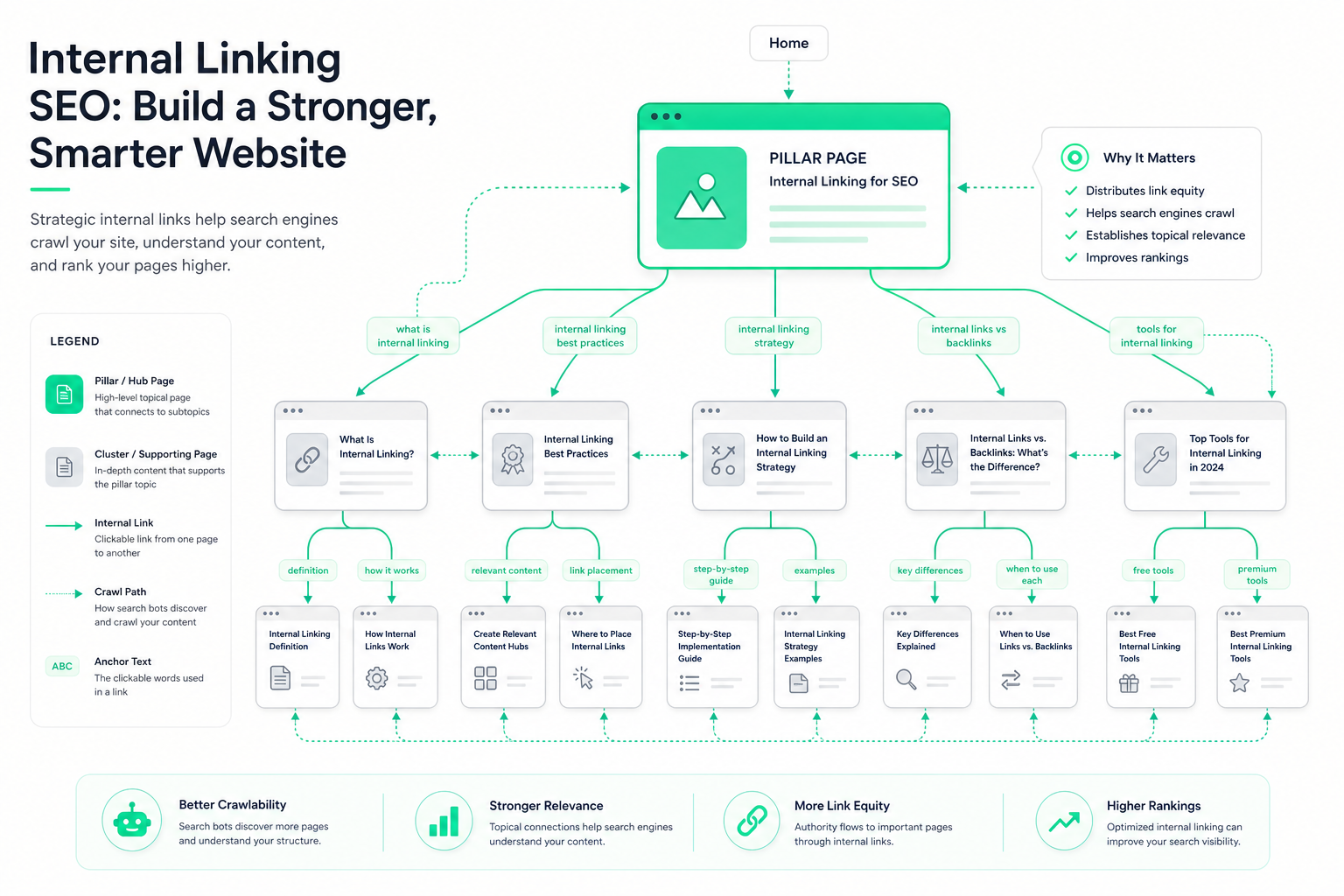
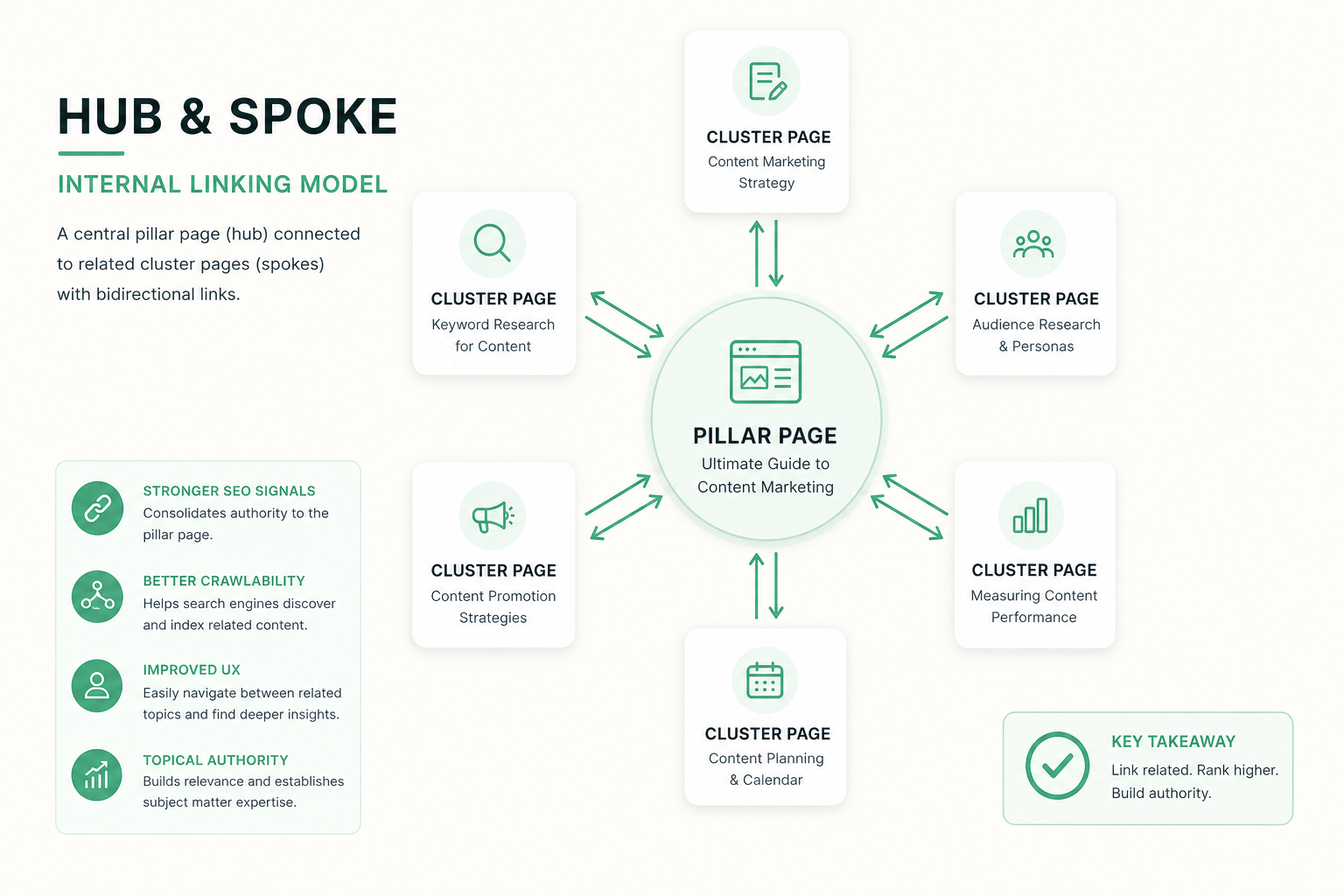
The hub-spoke (pillar-cluster) model is the most effective way to build scalable internal linking. A pillar page (hub) covers a broad topic and links to deeper sub-pages (spokes).
Each sub-page links back to the pillar and to others within the same topic cluster. This builds a clear thematic cluster that Google recognizes.
The model tells the search engine which page is the most important for the topic (pillar) and which pages deepen it. Authority concentrates in the pillar, which can rank for competitive keywords.
- Pillar page: broad topic, links to all cluster pages
- Sub-pages: deepen one sub-point, link to the pillar
- Sub-pages link to each other where relevant
- One cluster = one clear topic area
Anchor text strategy — say where the link goes
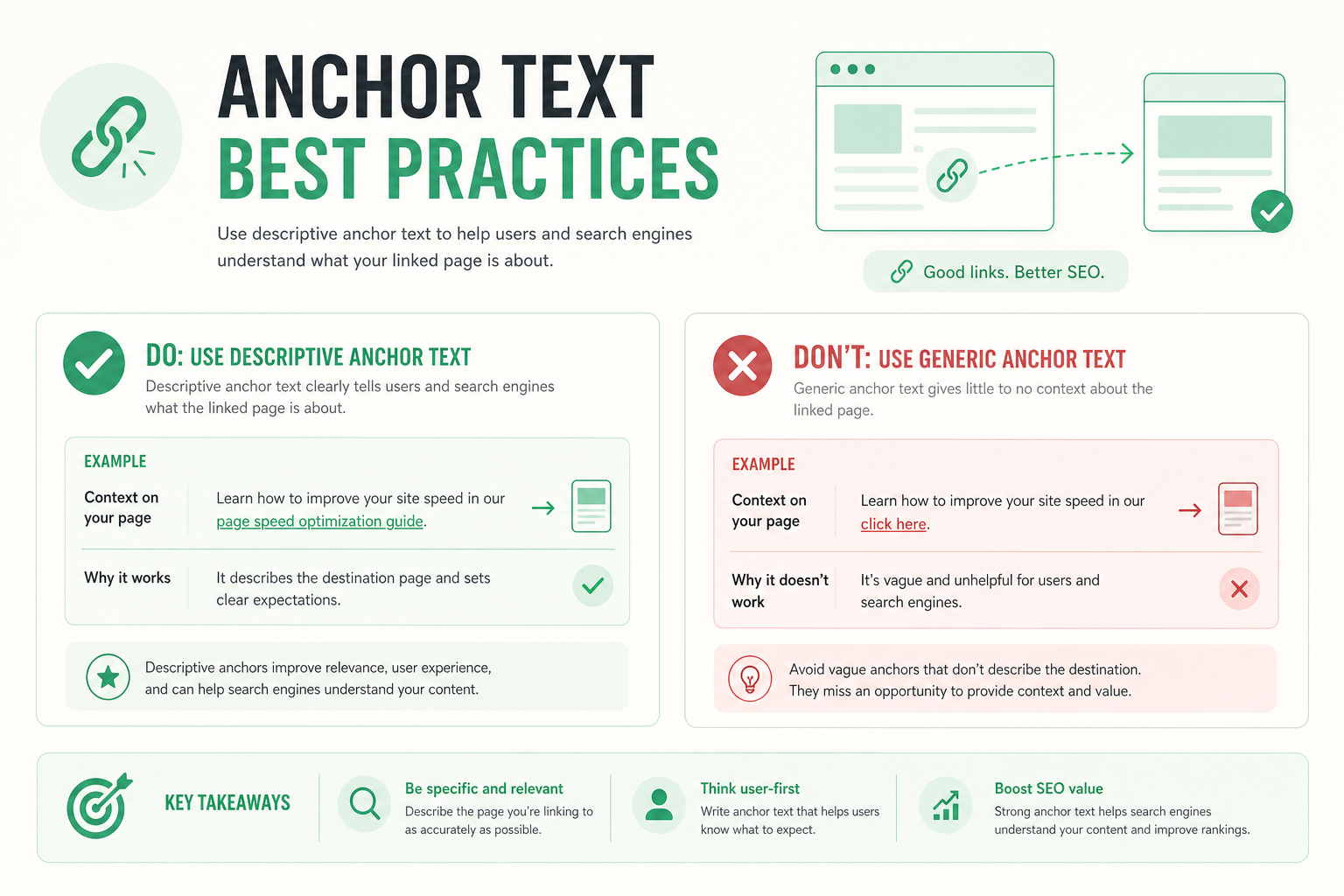
Anchor text is the clickable text of a link, and it tells Google what the target page is about. Descriptive anchor text is a strong relevance signal.
Use natural, descriptive anchor text that includes the target page topic — for example "technical SEO guide" instead of "click here". Avoid repeating the exact same anchor too often.
Vary anchor text naturally: exact keyword, partial match, and brand or context anchors. Overusing exact-match keywords can look like manipulation.
- Descriptive anchor that states the target page topic
- Avoid "read more" / "click here" anchors
- Vary: exact, partial, and context anchors
- Do not over-optimize the exact keyword repeatedly
Crawl budget — help Google find your content
Crawl budget refers to how much Google crawls your site in a given time. On large sites this is a limited resource.
Internal linking guides the bot to your most important pages: well-linked pages are found and indexed faster. Orphan pages (with no incoming links) easily go undiscovered.
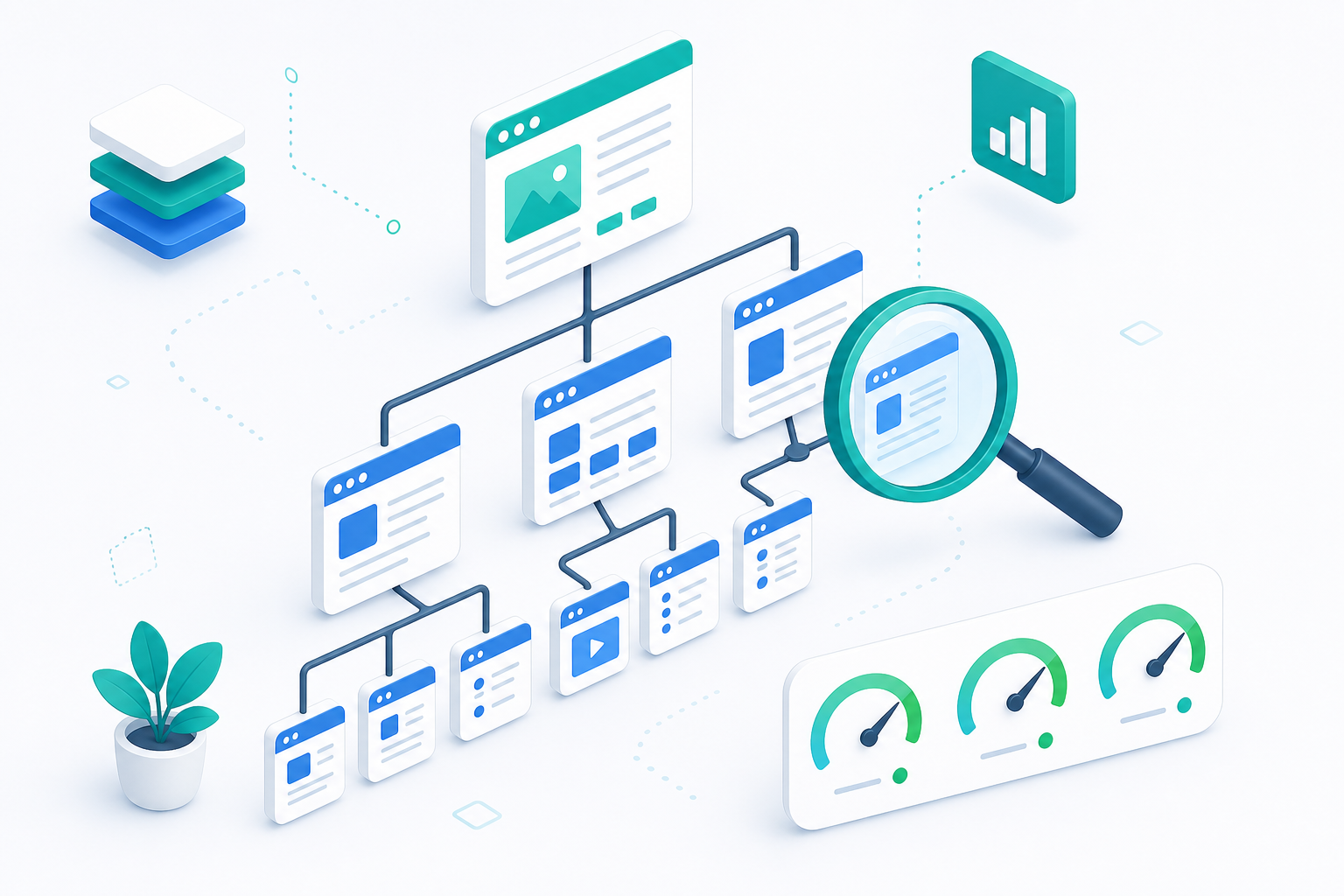
Keep important pages within a few clicks of the homepage. Content buried deep is crawled less often. Read the technical background in our technical SEO guide.
- Important pages under 3 clicks from the homepage
- No orphan pages — each has an incoming internal link
- Avoid wasting links on low-value pages (e.g. tag pages)
- A clear structure speeds up indexing
Steering page authority — prioritize conversion pages
Not all pages are equally important. Use internal links to steer authority to pages that drive business value — service, product, and pillar pages.
Pages that earn the most external links (e.g. a popular blog post) can pass their value forward by linking to strategic conversion pages.
Regularly check that your most important pages receive enough internal links. Underserved conversion pages often benefit from a few extra links from relevant content.
- Steer authority to service and conversion pages
- Link magnets (popular articles) → strategic pages
- Ensure key pages get the most internal links
- Audit the link distribution regularly
Types of internal links
There are several types of internal links, each with its own role. Navigation links guide structure, while contextual links within content steer authority and relevance.
Contextual links — links inside the body text — are the most valuable for SEO. They are thematically relevant and give the strongest signal to the target page.
Breadcrumbs help both users and search engines grasp the hierarchy. They are especially useful on deep sites and in e-commerce.
Footer and sidebar links are useful for navigation but weaker SEO signals than contextual links. Do not rely on the footer alone to link important pages.
Related-articles sections at the end of a page keep readers on the site and reinforce topic clusters automatically.
Balance the types: navigation for structure, contextual links for authority, and related articles for deeper content.
- Contextual links (body text) = strongest SEO signal
- Navigation links guide the site structure
- Breadcrumbs help convey the hierarchy
- Footer/sidebar = navigation, weaker signal
- Related articles retain readers and reinforce clusters
Internal linking in numbers
Auditing your links — an ongoing process
Internal linking is not a one-off project but an ongoing process. Audit the structure regularly as content is added and old content is removed.
Start by mapping orphan pages: pages with no incoming internal links. Crawler tools find them quickly across the whole site.
Check that your most important conversion pages receive the most internal links. If they are underserved, add links from relevant content.
Also find broken internal links (404) and fix them. Broken links waste authority and harm user experience.
When you publish a new article, link to it immediately from old, related pages. This is the most important — yet most often forgotten — linking action.
Connect the audit to a technical review following our technical SEO guide.
- Map orphan pages with a crawler tool
- Ensure key pages receive the most links
- Fix broken internal links (404)
- Link new content immediately from old pages
- Audit regularly as content grows
Common internal linking mistakes
We see these mistakes often when internal linking is built without a strategy or is not updated as content grows.
- Orphan pages with no incoming internal links
- Generic anchors ("read more") instead of relevance
- Important pages buried deep in the structure
- Too many links on one page — value gets diluted
- No back-links from sub-pages to the pillar
- Linking structure does not update with new content
Avoid over-optimization
Internal linking checklist
Run through this list when building or auditing internal linking. It covers architecture, anchors, and crawl budget.
Connect linking with content strategy and on-page basics: read content strategy and on-page SEO. Also explore our SEO service.
- Hub-spoke structure for key topic areas
- Descriptive, varied anchor text
- Important pages within 3 clicks
- No orphan pages
- Authority steered to conversion pages
- Linking updated as new content is added
Frequently asked questions
What does internal linking mean in SEO?
Internal linking means links between pages on the same site. It steers page authority, helps Google discover content, and signals the thematic relationships between pages.
What is the hub-spoke model?
Hub-spoke (pillar-cluster) is a linking model where a pillar page covers a broad topic and links to deeper sub-pages that link back to the pillar. It concentrates authority and builds a thematic cluster.
What makes good anchor text?
Good anchor text is descriptive and states the target page topic, for example "technical SEO guide" instead of "click here". Vary anchors naturally and do not over-optimize the same exact keyword.
What is crawl budget?
Crawl budget refers to how much Google crawls your site in a given time. Internal linking guides the bot to your most important pages and ensures pages do not become orphaned or undiscovered.
How many internal links should a page have?
There is no exact number, but prioritize a few relevant, descriptive links over dozens. Too many links dilute each link value and can look like manipulation.