Why HubSpot for marketing automation in 2026?
HubSpot combines CRM, marketing, email, landing pages, and reporting on one platform. For B2B and SaaS it's often the first serious automation tool — and built correctly it scales lead gen without manual copy-paste to sales.
HubSpot's strength is integration: forms, chat, email, ad integrations (Google, Meta, LinkedIn), and workflows share one contact database. The weakness is complexity — without clear funnel definitions and sales involvement, automation produces MQLs nobody follows up.
HubSpot doesn't replace strategy. It executes it: lead magnets, nurture sequences, scoring, and handoff to sales. Connect HubSpot to your measurement stack and attribution model to see the full funnel.
Funnel stages and workflow structure
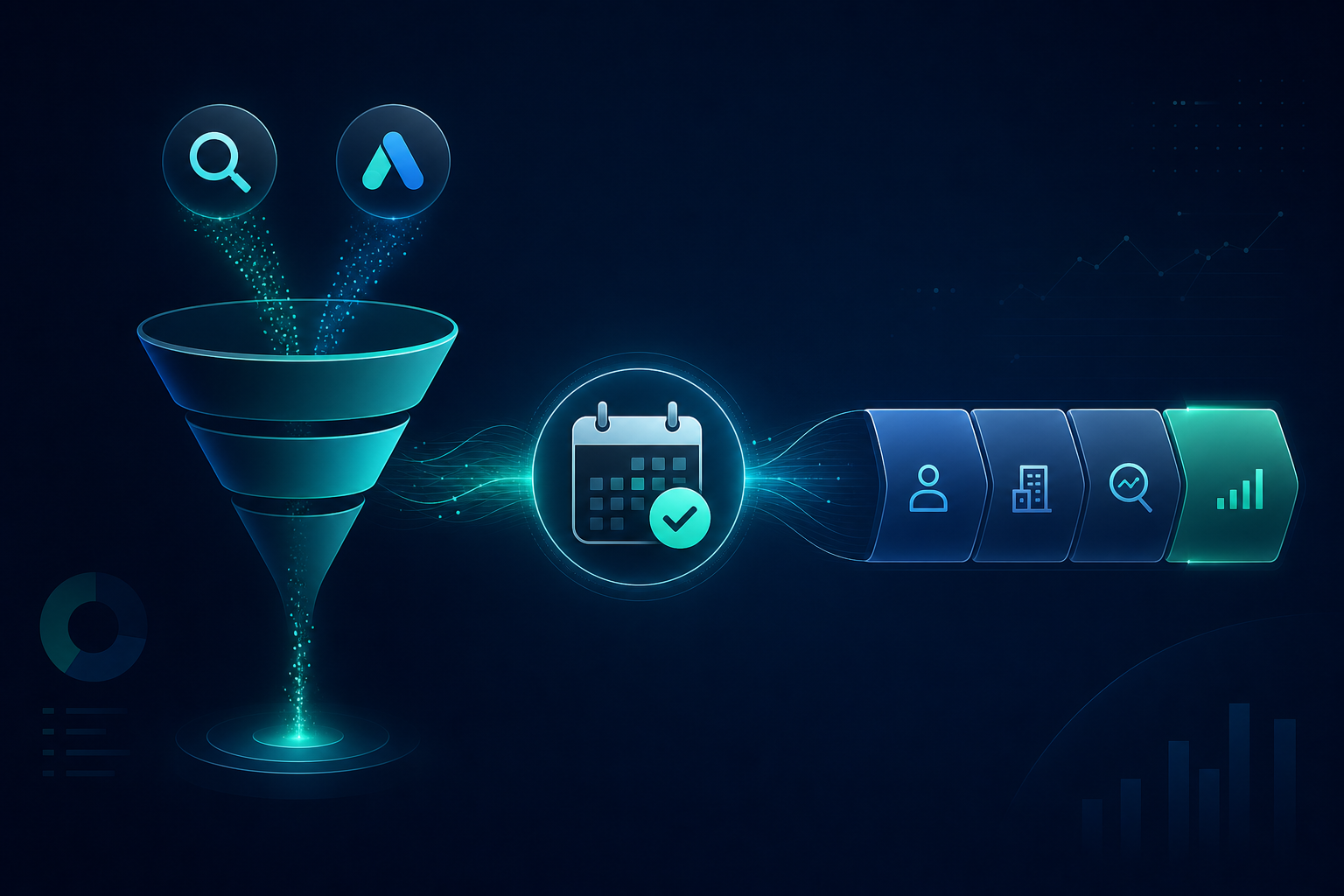
Build workflows by funnel stage: awareness (content, social), consideration (webinar, demo request, case study), decision (pricing, trial, sales call). Different triggers, messages, and exit conditions per stage.
Typical workflows: welcome sequence for new subscribers, lead magnet delivery + nurture, abandoned form reminder, MQL handoff to sales, customer onboarding. Don't build 50 workflows at once — start with 3–5 critical ones.
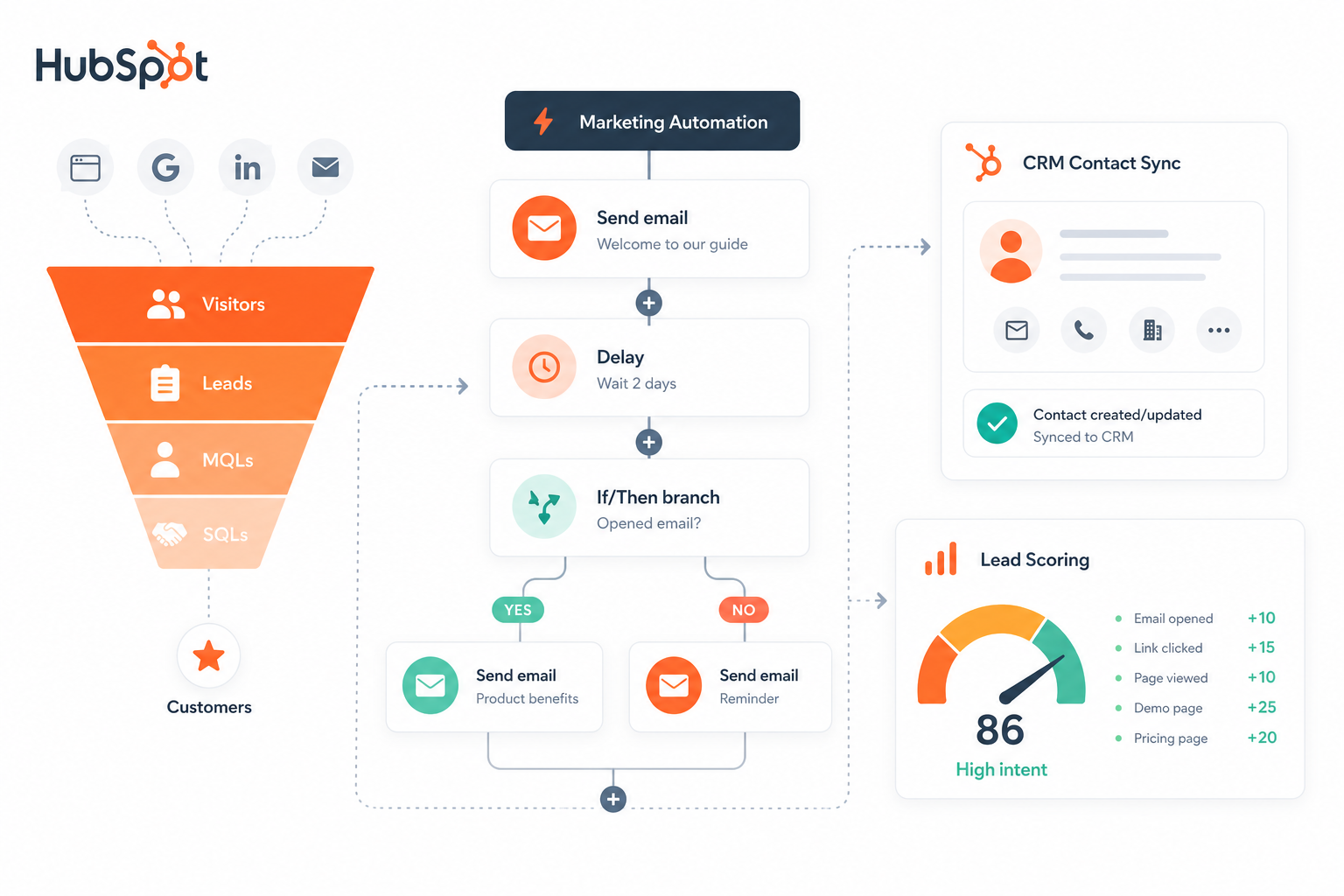
Lifecycle stage fields (Subscriber, Lead, MQL, SQL, Customer) keep the funnel clear. Update stage automatically from scoring and actions — not manually.
Lead scoring: how to score correctly
Lead scoring combines demographic (fit) and behavioral (engagement) points. Fit: role, company size, industry, geography. Engagement: site visits, forms, email opens, webinar attendance, pricing page views.
Keep scoring simple: 5–10 criteria max. Overly complex models are hard to maintain and sales won't trust them. Agree threshold (e.g. 50 points = MQL) with sales — they accept leads you stop sending.
Negative scoring: competitors, students, wrong roles. Point deductions prevent junk reaching sales. Update scoring monthly from data — which MQLs convert to SQL?
- Fit points: role, company size, industry
- Engagement points: forms, site visits, email
- Negative: competitor, student, freemail
- MQL threshold: agreed with sales
- SQL threshold: sales acceptance + discovery call
CRM sync and data hygiene
HubSpot CRM is often the source of truth — but if sales uses a separate CRM (Salesforce, Pipedrive), sync is critical. Two-way sync: contacts, deals, activities. Delay or duplicates destroy trust.
Data hygiene: deduplication (email, domain), required form fields, enrichment (Clearbit, HubSpot Insights) only when it improves fit scoring. Junk data scales with automation.
GDPR and consent: marketing consent separate, double opt-in as needed. Workflows must not email without permission — HubSpot subscription types manage this.
Measurement stack and cross-channel attribution
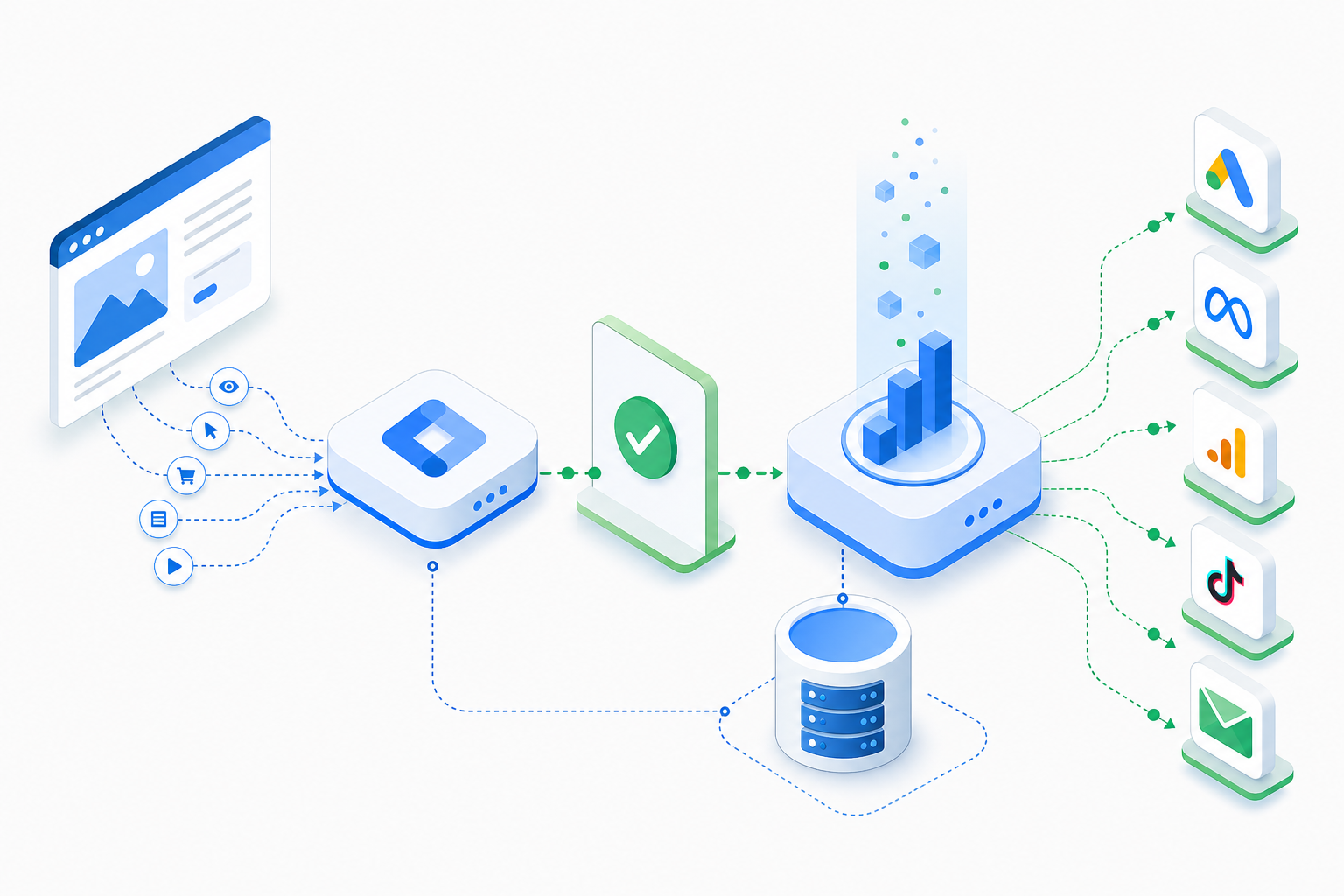
HubSpot reports MQLs, SQLs, and pipeline — but it doesn't see the full journey without ad integrations. Connect Google Ads, Meta, and LinkedIn to HubSpot (UTM, native integrations) to see which channels produce quality leads.
Measurement stack around HubSpot: GA4 (site behavior), ad platforms (conversions), HubSpot (CRM + lifecycle), optional attribution tool (Ruler, HockeyStack). Cross-channel attribution distributes credit across touchpoints.
In SaaS funnels track: MQL → SQL → Opportunity → Closed Won. Cost per MQL and MQL-to-SQL rate tell automation quality — not lead volume alone. See B2B SaaS marketing for funnel metrics.
Common HubSpot automation mistakes
These mistakes show up repeatedly in HubSpot audits.
- Workflows without sales buy-in → MQLs nobody follows
- Overly complex lead scoring → nobody understands why a lead is MQL
- No CRM sync → sales and marketing in different realities
- No negative scoring → competitors and students to sales
- Email without segmentation → unsubscribes and spam reports
- No attribution → you don't know which channel produces leads
Frequently asked questions
Is HubSpot suitable for a small B2B company?
Yes, if lead gen is core and you need CRM + automation together. Start with Marketing Hub Starter/Professional and expand as workflows and data grow.
How do I define MQL in HubSpot?
Agree with sales: lead score threshold + at least one engagement (form, demo request). Lifecycle stage updates automatically in workflow. Review MQL-to-SQL rate monthly.
Do I need to sync HubSpot with Salesforce?
If sales uses Salesforce, yes. HubSpot can be marketing source, Salesforce sales — but sync is mandatory so data stays consistent.
How many workflows should I have?
Start with 3–5 critical: welcome, lead magnet nurture, MQL handoff, abandoned form. Expand from data — don't build dozens without testing.
How do I connect HubSpot to advertising?
Native integrations for Google Ads, Meta, and LinkedIn in HubSpot. UTM parameters on all links. HubSpot conversions (form, MQL) linked to ad platforms via integration or offline conversion style.