Why Google Ads accounts need auditing
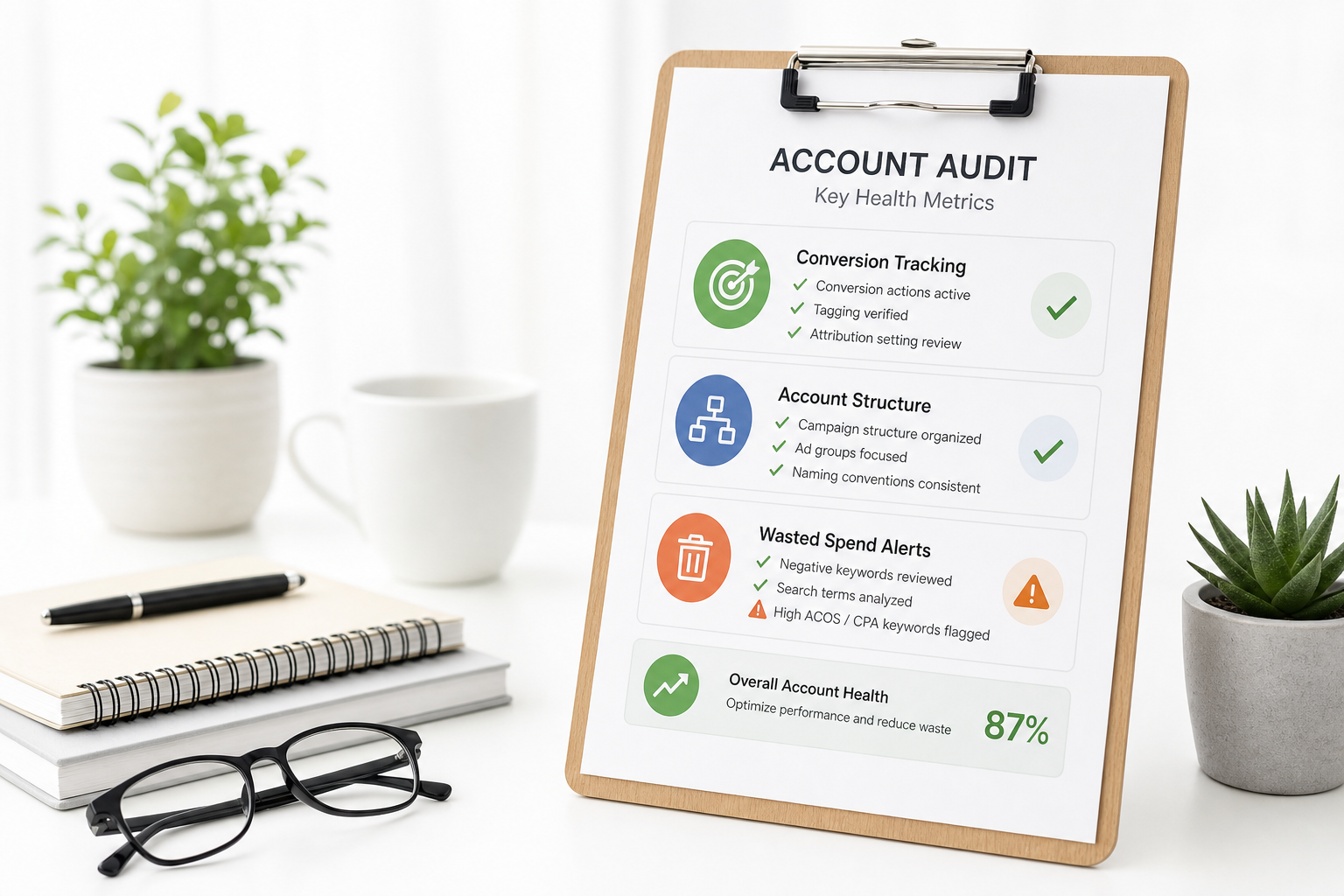
Google Ads accounts drift over time: new campaigns added, old ones left on, conversion tracking ages, and settings change with platform updates. Audit restores control.
Audit is not a one-time project but a quarterly routine — same logic as a marketing audit, but Google Ads specific.
A good audit produces a concrete action list: fix settings, remove waste campaigns, and scale winners.
Audit before budget increases
Audit checklist — overview
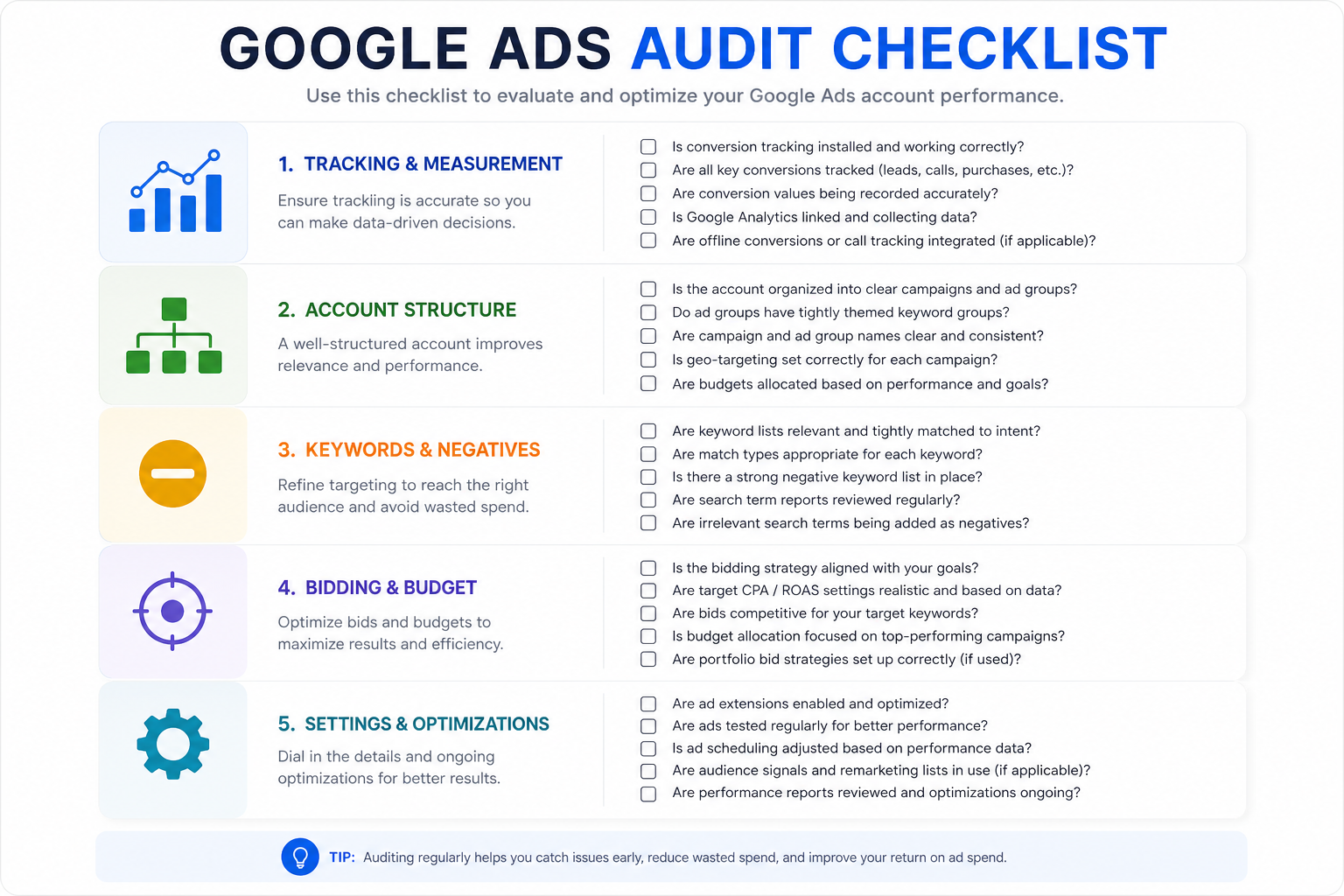
Audit checklist covers five areas: conversion tracking, account structure, campaign settings, wasted spend, and Smart Bidding health check.
Review each item with 90 days of data — shorter windows can mislead due to seasonality.
Document findings: critical (fix now), important (7 days), improvement (30 days).
- Conversion tracking: primary actions, enhanced conversions, attribution
- Structure: brand/non-brand, campaign types, naming convention
- Settings: location, network, auto-apply recommendations
- Waste: Search Terms, paused campaigns spending, display partners
- Smart Bidding: data volume, target realism, learning status
Account structure in audit
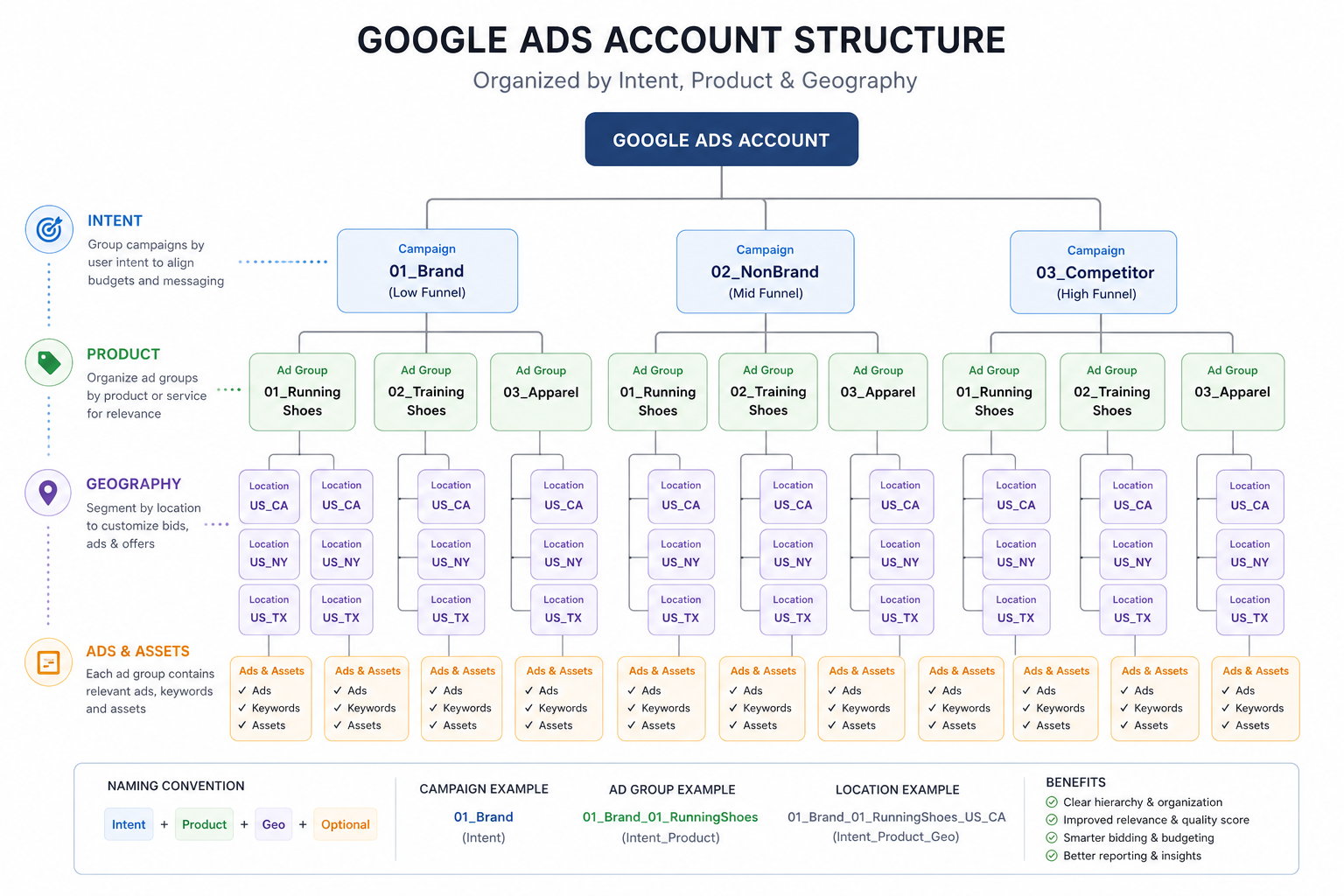
Check: brand vs non-brand separate (brand vs non-brand guide), campaign types correct (campaign types), naming convention consistent.
Find orphan campaigns: small budget, zero conversions in 90 days, leftover tests. Remove or merge.
Check PMax brand exclusions, Shopping vs PMax split in ecommerce, Demand Gen vs PMax roles.
Conversion tracking — audit core
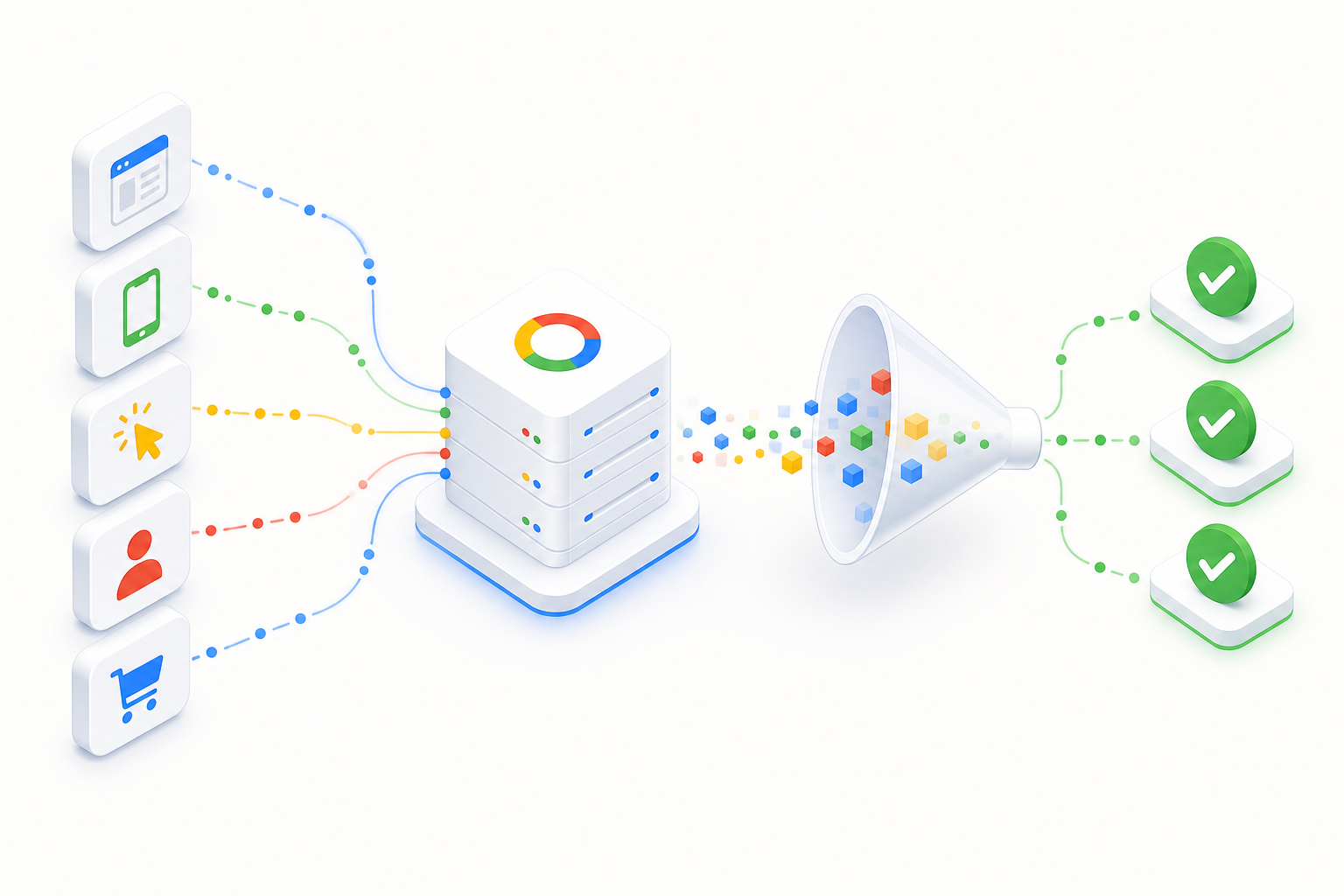
Conversion tracking is the first audit item. Check: primary vs secondary actions, enhanced conversions, consent mode, offline import (CRM).
Remove or secondary-status micro-conversions that do not match business events. Smart Bidding optimizes primary action — wrong primary = wrong optimization.
Test conversion with GTM Preview / Tag Assistant and compare Google Ads vs GA4 vs CRM numbers.
Identifying wasted spend
Search Terms audit: zero conversion + high cost (negative keywords). Display/Video: placement reports, excluded placements.
Check auto-apply recommendations history — Google may activate changes you do not want. Location options: "Presence" vs "Presence or interest".
Auction Insights: competitor impression share on brand. Waste can also be overly aggressive CPA/ROAS targets that kill visibility.
Settings and automation
Location targeting: "Presence: People in or regularly in your targeted locations" — not "interest". Search partners: evaluate separately, often off for B2B.
Ad rotation: "Optimize" for RSAs. Auto-apply: check Recommendations → Auto-apply history. Remove risky automations (e.g. broad match expansion without monitoring).
Smart Bidding audit
Smart Bidding: check conversion data (30+/mo), learning status, target realism. Overly aggressive ROAS/CPA kills volume.
Portfolio bidding: ensure different intents are not in the same portfolio. Bid strategy changes: max one change per 7–14 days per campaign.
Search Terms audit
90-day Search Terms: top waste categories, missing negatives, new keyword opportunities. Cross-check with Search structure.
Audit in numbers
Quarterly review process
Q1–Q4: same checklist, documented findings, prioritized action list. Connect to QBR (marketing QBR) as the Google Ads section.
After audit: fix critical within 48 h, important within 7 days, improvements within 30 days. Track impact in the next audit.
Summary
Google Ads auditing is a quarterly mandatory routine — not a one-time project. Conversion tracking, structure, waste, and Smart Bidding form the audit core.
Use our RSA guide and Demand Gen guide for campaign-specific deep audits. Start the free Google Ads audit, or explore our Google Ads service.
Audit checklist (summary)
Printable checklist for quarterly audits.
- Conversion tracking: primary, enhanced, consent, CRM import
- Brand/non-brand separate, PMax brand exclusions
- Search Terms 90 days + negatives updated
- Waste campaigns identified and removed/merged
- Location = Presence, Search partners evaluated
- Auto-apply recommendations reviewed
- Smart Bidding: data, targets, learning status
- RSA Ad Strength and landing page alignment
- Findings documented and prioritized
Frequently asked questions
How often should a Google Ads account be audited?
Quarterly (4x/year) in active accounts. Additional audit after major budget increases or platform changes.
Where does audit start?
Conversion tracking. Without reliable data, other audit items lead to wrong optimization.
What is typical savings from an audit?
In a first audit, 10–25% wasted spend is common — Search Terms, old campaigns, and wrong settings.
Should auto-apply recommendations be on?
Selectively. Check Auto-apply history in audit — remove risky automations (e.g. broad match expansion without monitoring).
How does audit relate to QBR?
Audit produces the action list, QBR evaluates results and budget. Google Ads audit is the technical part of QBR.